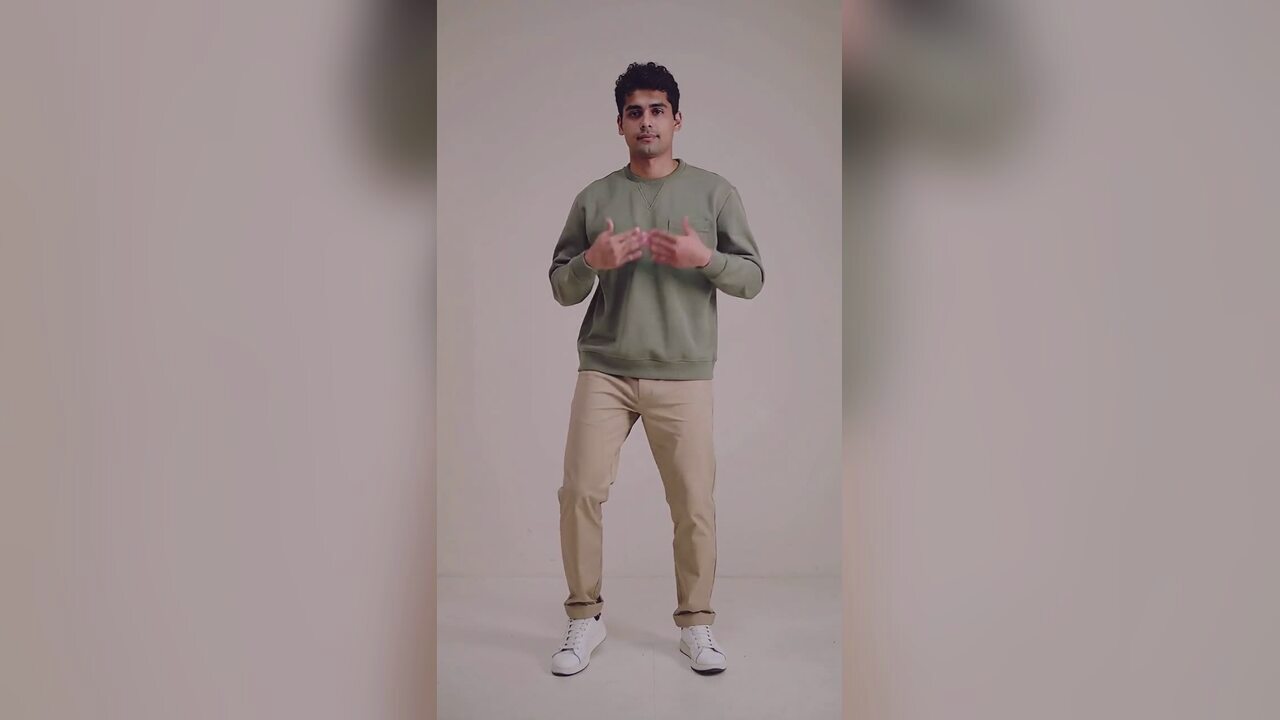
What the video actually does
The model uses your photo as the first frame and creates a short, continuous take of that subject doing a simple side-to-side bounce. It is not a template that pastes a face onto a dancer. The face, hair, costume and background come from the image you upload, and the motion is described in a fixed prompt. That is why a clean, front-facing photo matters more than a dramatic one.
The default delivery is 720p, 12 seconds, 9:16 vertical and silent. You can choose 480p, 720p or 1080p and a length between 4 and 15 seconds before generating. The credit cost updates with the choice. The standard 720p render is 10 credits; a 1080p render is 50.
The best photo for a Halloween dance
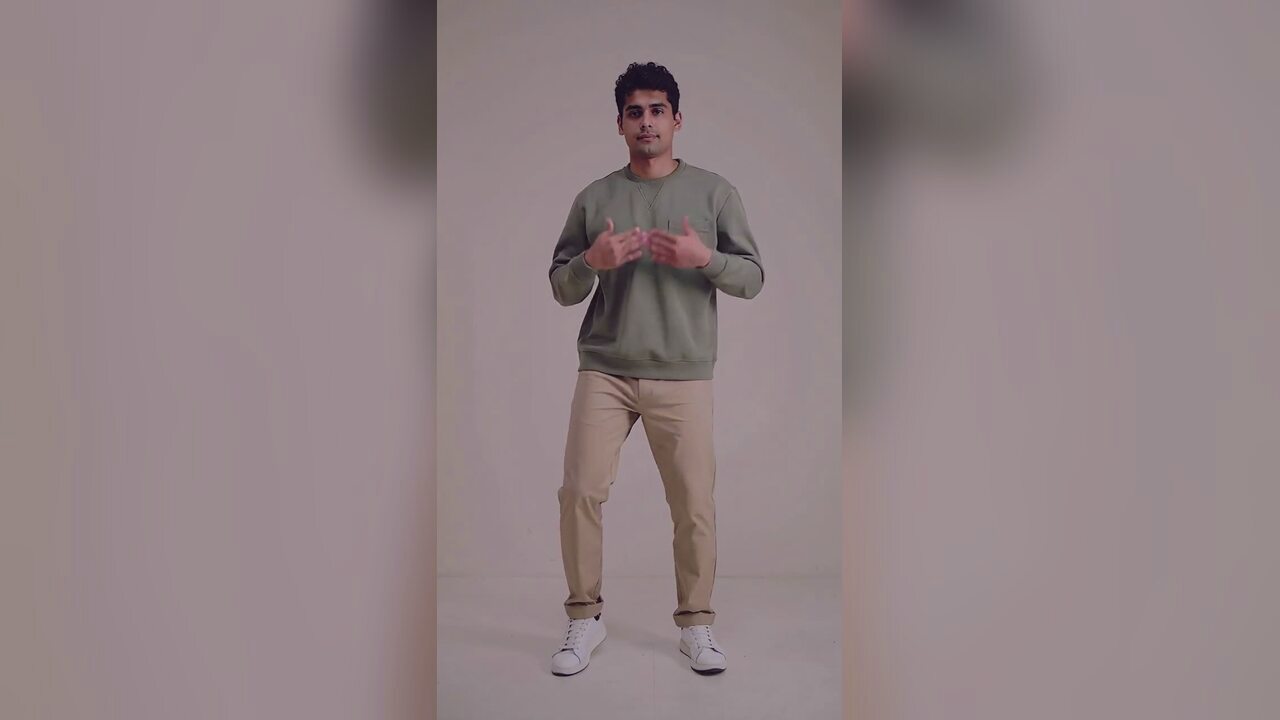
Use one person, facing the camera, evenly lit, with the body visible to about the knees or lower. The routine is a weight shift, so the model needs to see the hips and legs. A chest-up headshot leaves it nothing to animate. A plain wall or a simple room is better than a crowded party photo because the background is easier to keep stable.
If you want a costume in the video, generate the costume portrait first and upload that image here. The video tool does not add a costume by itself. It animates what is already in the frame. That two-step flow is also useful because you can reject a costume edit before paying for a video.
Why the dance is deliberately small
Small motion is easier to keep coherent. A head turn, a shoulder roll, a gentle bounce and a fixed camera give the model fewer chances to invent extra limbs or let the face drift. A big jump or a fast spin looks impressive in a demo and falls apart in a 12-second render. The Jawn-style bounce is a good fit because it repeats a simple weight transfer instead of asking for a new pose every second.
The clip is silent by design. Add the track inside TikTok, Reels or Shorts when you post. Baking a licensed song into the file would make the download less reusable and create a copyright problem we cannot solve for you.
What can go wrong, and what to do
Hands are the most common artifact. Keep them close to the body in the source photo, and avoid a pose where fingers are spread in front of the face. Feet can slide slightly during the weight transfer. A simple background hides most of that. If the face drifts, the source photo was probably too dark or too filtered; a cleaner photo is a better fix than another prompt.
- Use one subject, not a group photo.
- Keep the body visible to the knees or lower.
- Avoid sunglasses, heavy filters and harsh side light.
- Choose a simple background if you want a stable scene.
Cost, refunds and posting
A standard 720p video is 10 credits. A 1080p video is 50 credits. One-time packs start at $9.90 for 10 credits, and subscriptions are available if you post often. There is no free trial and no sign-in bonus. If a render fails, the credits return to the same bucket automatically.
The output has no watermark and you can download it at full size. Watch it once before you post, checking the hands, feet and face. Then add the sound in the app and label the clip as AI-made if your audience would otherwise assume it is a real video. The trend is real; this particular clip is generated.
Cómo funciona
- 1
Upload one clear photo
One person, facing the camera, evenly lit, body visible to the knees or lower. JPG, PNG or WebP up to 10MB.
- 2
Choose the render
Pick 480p, 720p or 1080p and a length from 4 to 15 seconds. The standard 720p 12-second render is 10 credits.
- 3
Generate, check, download
The render usually takes about three minutes. Check the hands, feet and face, then download the MP4 and add the sound in the app.
Halloween dance prompt recipe
This is the motion brief. The costume and scene come from the photo you upload, not from the prompt.
The subject in this photo performs a relaxed, deadpan Halloween dance: weight rocking side to side on the beat, knees soft, feet mostly planted, shoulders and chest riding the beat, head nodding on the count, hands working in small casual moves close to the chest and never above the shoulders. Keep the subject exactly as photographed: same face, hair or fur, body, outfit and background. Fixed phone camera at chest height, one continuous take, vertical video. Maintain realistic motion, stable anatomy and consistent lighting. Do not change the person's identity, add characters or introduce sudden scene cuts. No text or watermarks.
Preguntas frecuentes
Can the video add a Halloween costume for me?
No. The video tool animates the photo you upload. Use the Halloween costume generator first if you want a costume, then upload that portrait here.
How long does a render take?
Usually around three minutes for a 12-second clip. You can leave the page; the render continues and the result stays in your account.
How much does a Halloween dance video cost?
A standard 720p 12-second video is 10 credits; a 1080p render is 50. Failed renders are refunded automatically.
Does the video include music?
No. The export is silent. Add the track inside TikTok, Reels or Shorts when you post.
Can I use a group photo?
It is not recommended. One subject gives the model a clear body to animate. A group photo often produces merged limbs or one person moving while the others stay frozen.
Can I post the result commercially?
You own what you make here and there is no watermark. Make sure you also have the rights to the source photo and to any music you add in the app.
Herramientas relacionadas
 AI Halloween costume generatorTurn one selfie into an original haunted-unicorn Halloween costume portrait. Identity-preserving AI photo editing, 4 credits, private uploads. No prompt.
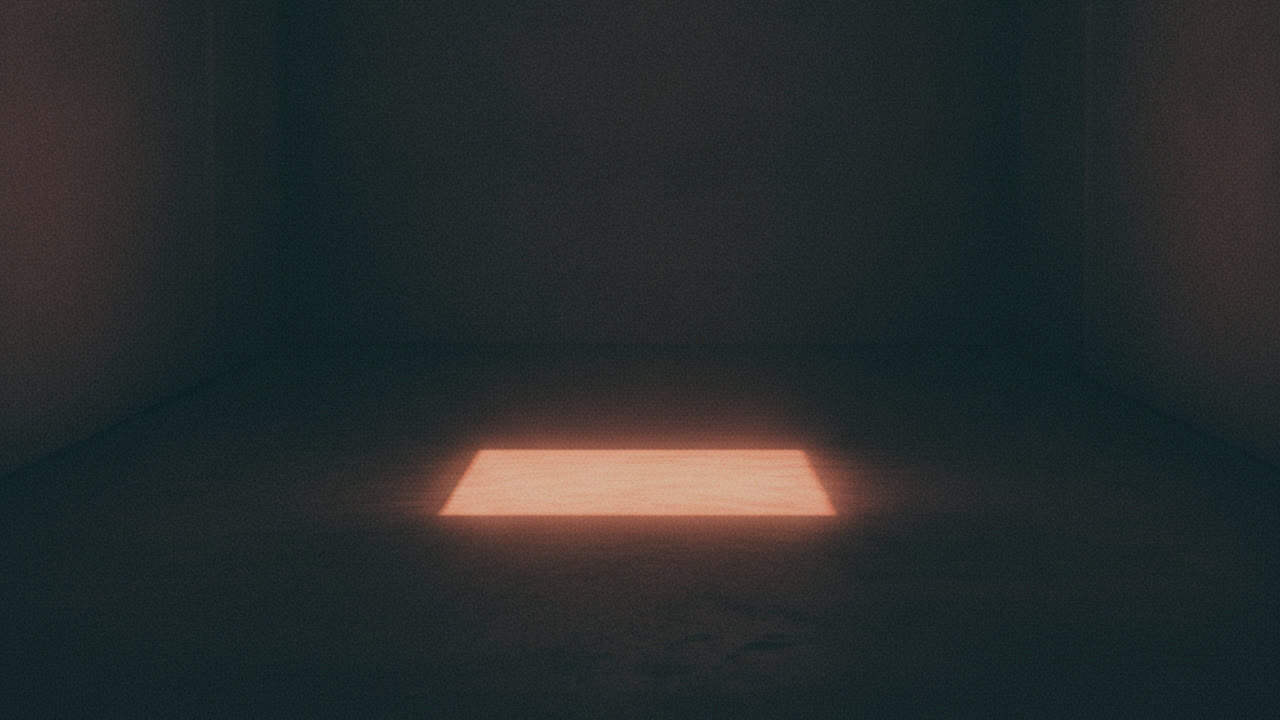 AI ghost portrait generatorTurn a portrait into an atmospheric ghost-story character edit. Keeps the face readable and adds mist and a dim corridor, with no gore. 4 credits. No gore.
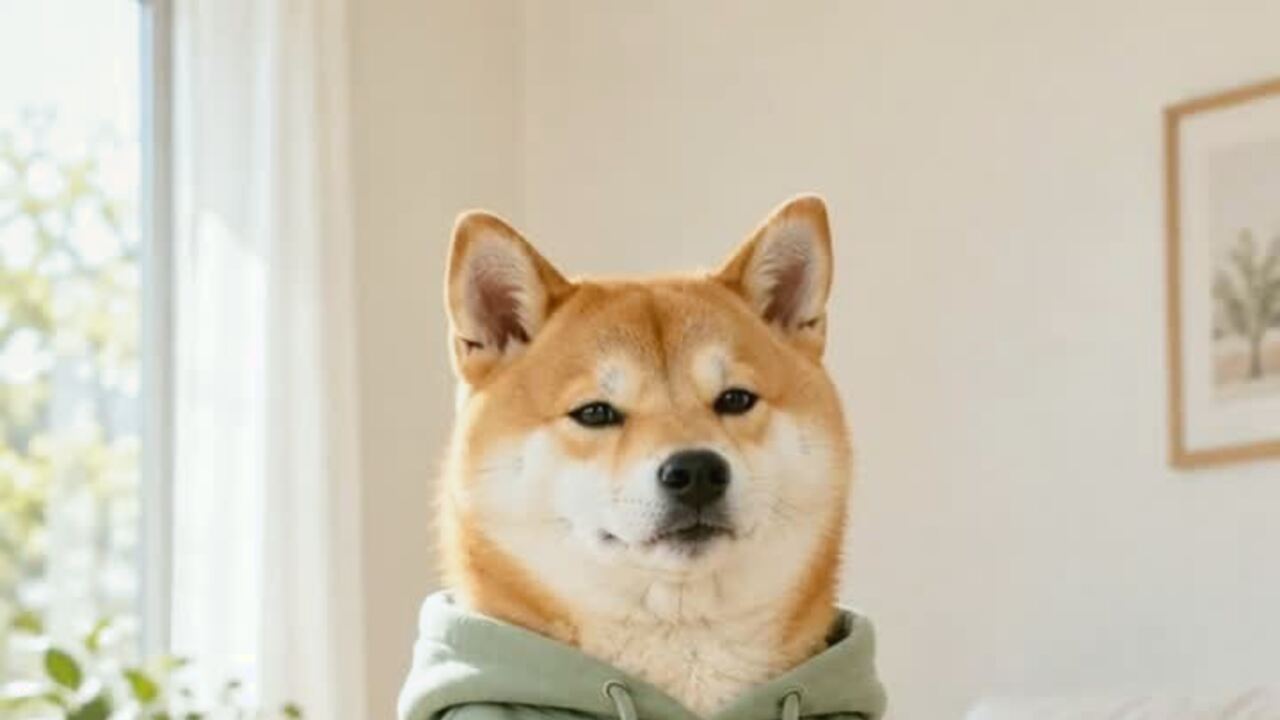 AI pet dance video generatorMake a dog or cat dance from one photo. Gentle motion, real proportions, 12-second vertical MP4. 720p is 10 credits. No prompt. Failed renders refunded.
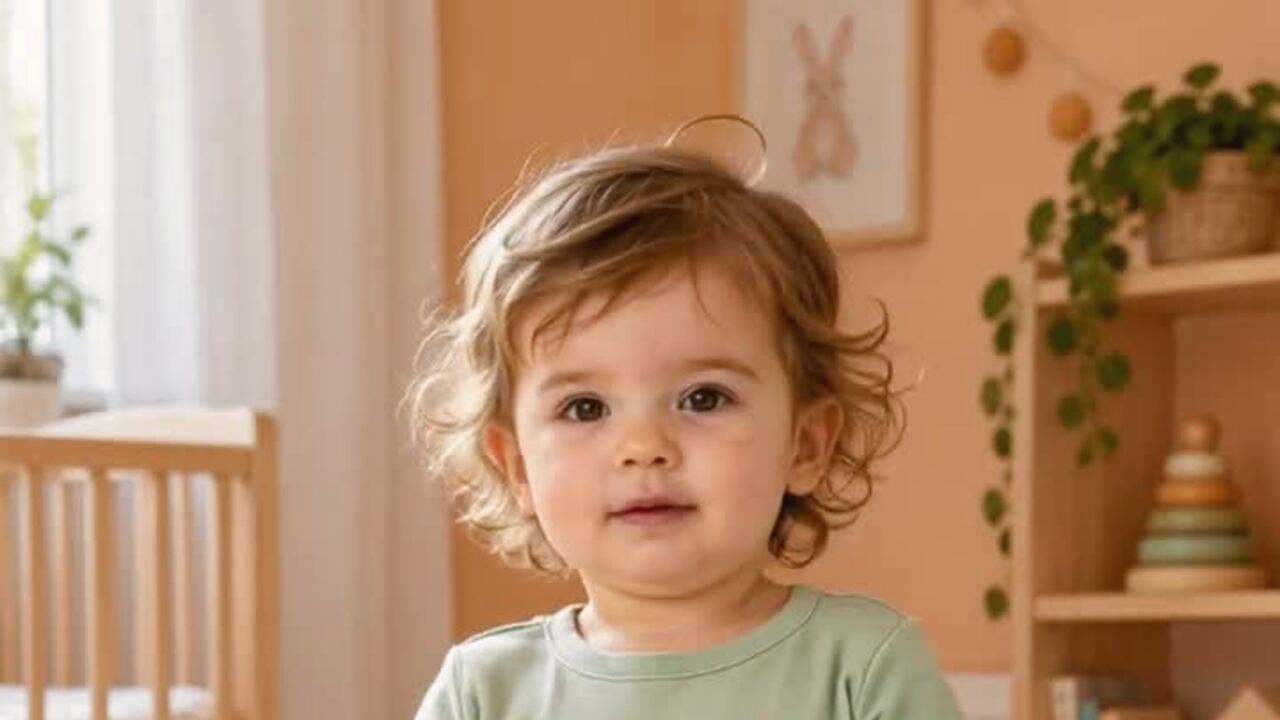 AI baby dance video generatorTurn one baby photo into a gentle 12-second dance clip. Keeps baby proportions and facial features, with no wild motion. 10 credits. Silent MP4. No prompt.
Lee antes de generar
- The full photo-to-video walkthrough
- Export and posting settings for TikTok and Reels
- The photo checklist that prevents most bad renders
Actualizado el 2026-10-20