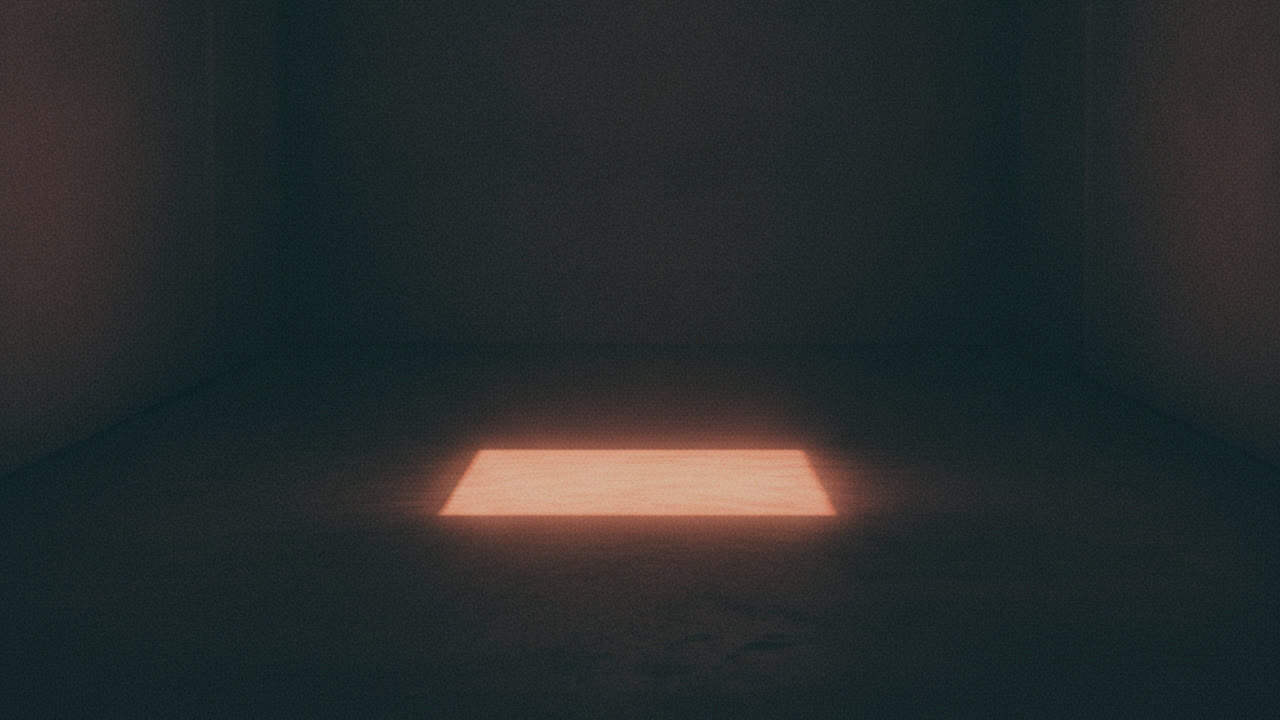
Eerie without erasing the person
A good ghost portrait has to keep the face legible. If the eyes go black, the skin turns grey and the mouth disappears, the image stops being a portrait and becomes a monster mask. The preset keeps the facial identity and natural anatomy, then adds a sheer veil, a cold mist around the shoulders and a restrained desaturation. The face stays the anchor; the atmosphere does the work.
The set is a dim corridor with peeling wallpaper and a single distant light. That is enough to suggest a story without filling the frame with props. It also gives the model a simple lighting problem: one soft source, a lot of falloff, and a subject who is still visible.
Why this is a safer Halloween edit
Gore edits are hard to get right and easy to make unpleasant. Blood, wounds and distorted anatomy often look like a failed generation rather than a deliberate effect. This preset avoids gore entirely. It uses mist, translucency, muted color and a corridor, which are all things a real camera and a smoke machine could produce.
That makes the result more reusable. It works as a Halloween profile picture, a character portrait for a story, a moodboard image or a poster background. It is also easier to post on platforms that restrict graphic content, because there is nothing graphic in it.
The photo to start with
Use a portrait with a clear, front-facing face and soft light. A plain background is better than a busy one because the model will replace it with the corridor. Avoid heavy makeup, sunglasses, strong colored gels and extreme angles. The effect is subtle, so a clean source gives it room to read.
If you want the ghost to look like a specific character, describe the wardrobe and the era in your own direction before uploading. The shipped prompt is intentionally broad: a veil, mist, pallor and a corridor. It is designed to work on many faces rather than one costume.
Where the Backrooms idea fits
The Backrooms is a useful reference because it is built on ordinary spaces that feel wrong. A corridor with bad wallpaper and one distant light is more unsettling than a graveyard with fifty tombstones. If you want that direction, keep the pose still and the expression neutral. The horror comes from the space, not from the face.
Do not upload a photo of a real abandoned building if you do not have permission to use it. The tool edits the person, not the location. The corridor is generated, so there is no location rights problem in the output.
Cost and limits
One edit costs 4 credits. The output is a still image, not a video. If you want motion, the Halloween dance page can animate a portrait, but the ghost effect itself is a still-image preset. The two tools are separate purchases.
The result is generated, not a photograph. Do not present it as evidence of a real place or a real event. For a personal post or a fictional character, that distinction is easy to keep.
Come funziona
- 1
Upload a clear portrait
One person, facing the camera, soft light, no sunglasses. JPG, PNG or WebP up to 10MB.
- 2
Generate the ghost portrait
The preset adds a veil, mist, pallor and a dim corridor while keeping the face readable. One edit costs 4 credits.
- 3
Download or try a different mood
Save the image, then explore the costume, couple or Halloween dance pages for a different direction.
Ghost portrait prompt recipe
The server sends this exact prompt. The upload cannot add gore or rewrite the safety constraints.
Edit the uploaded portrait into an atmospheric ghost-story character portrait, not a jump-scare image. Preserve the subject's recognizable facial identity, facial proportions, skin tone, approximate age and natural anatomy. Keep the same number of people as the uploaded photo. Add a translucent veil, faint cold mist around the shoulders and a subtle desaturated pallor while keeping the face fully readable. Use a dim corridor with peeling wallpaper and a single distant light source. The mood should be eerie, elegant and cinematic. Avoid gore, wounds, glowing red eyes, monster makeup, text and watermarks. Use photorealistic editorial photography, realistic fabric and skin texture, natural light and cinematic color.
Domande frequenti
Is this a scary mask or a subtle edit?
It is a subtle, cinematic edit. The preset adds a veil, mist and a dim corridor, and explicitly avoids gore, wounds and glowing red eyes.
Will my face still be visible?
Yes. The prompt keeps the face fully readable and preserves facial identity. A clear, evenly lit portrait gives the best result.
How much does a ghost portrait cost?
Four credits per image. One-time packs start at $9.90, and failed edits are refunded automatically.
Can I use this for a character or story project?
Yes. The image has no watermark and can be downloaded. Make sure you have the rights to the source photo and to any specific character design you reference.
Can I animate the ghost portrait?
You can use the portrait as the source for a dance video, but the ghost effect is a still-image preset. The video tool adds motion, not the veil or corridor.
Does the tool use a real abandoned building?
No. The corridor is generated by the model. You are not uploading or licensing a location.
Strumenti correlati
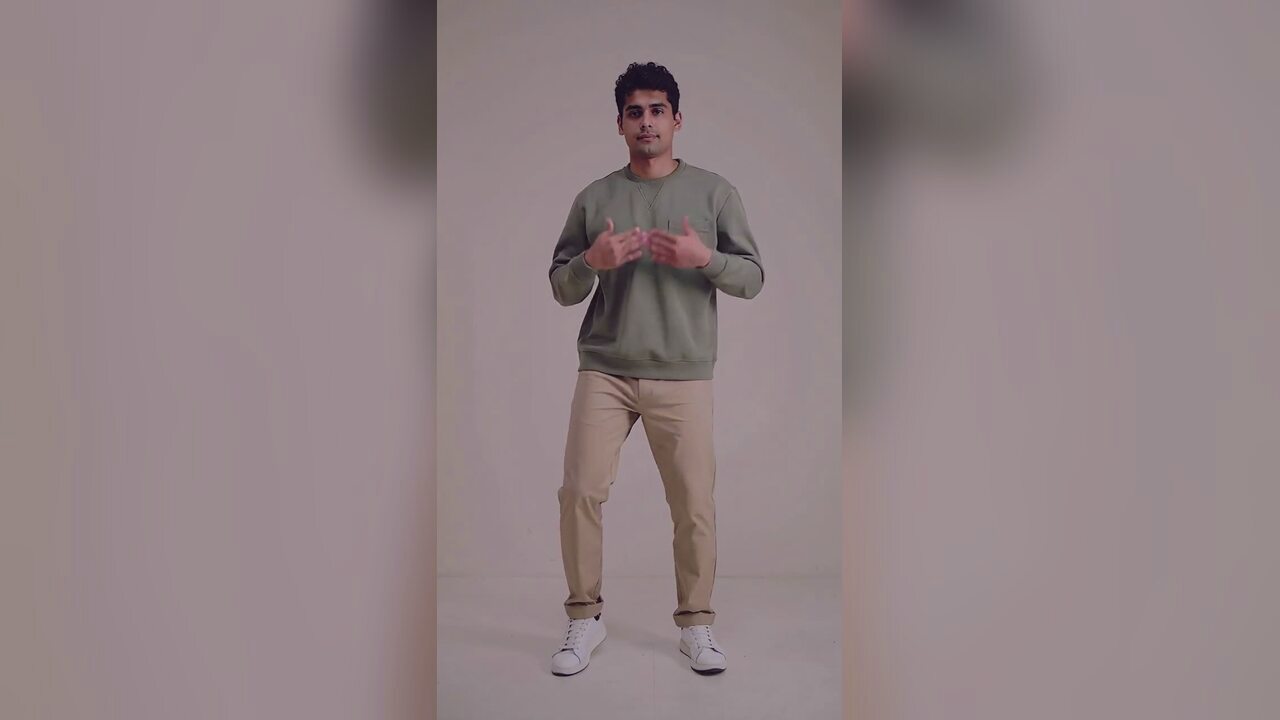 AI Halloween costume generatorTurn one selfie into an original haunted-unicorn Halloween costume portrait. Identity-preserving AI photo editing, 4 credits, private uploads. No prompt.
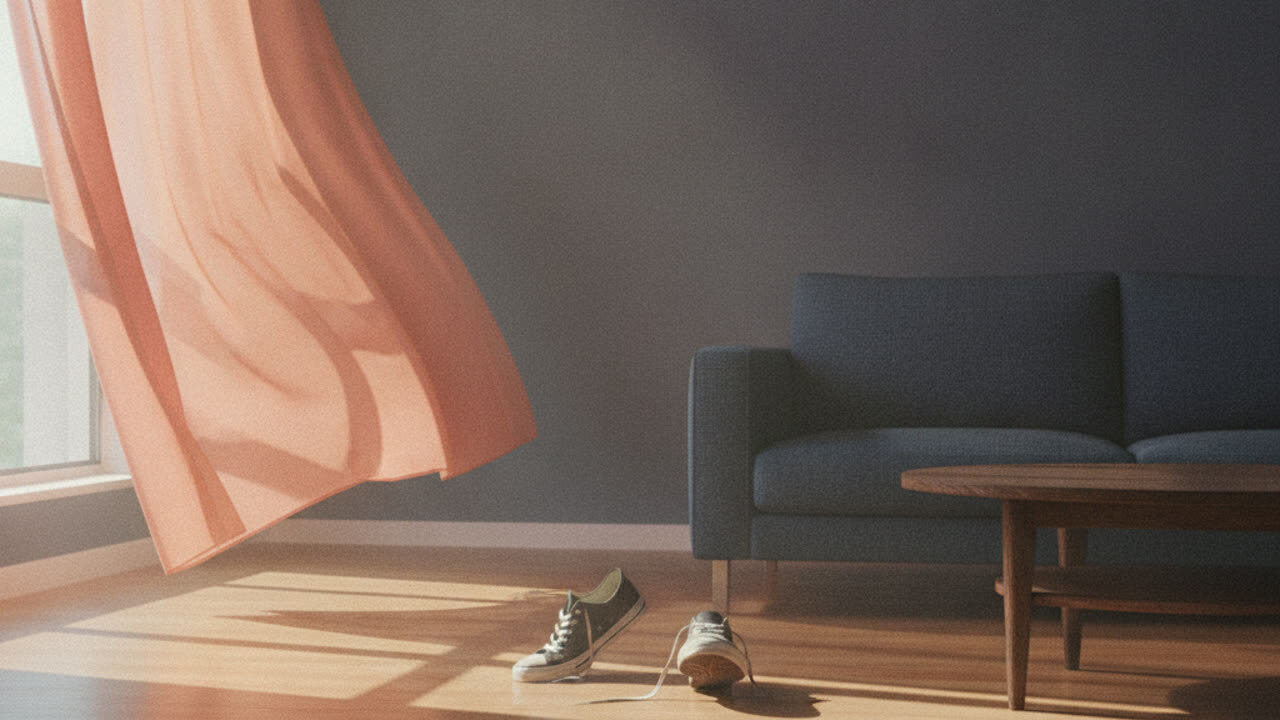 AI couple costume generatorUpload two photos and get one coordinated Halloween couple portrait. Keeps both identities separate, with no face swap or third person. 4 credits. No face swap.
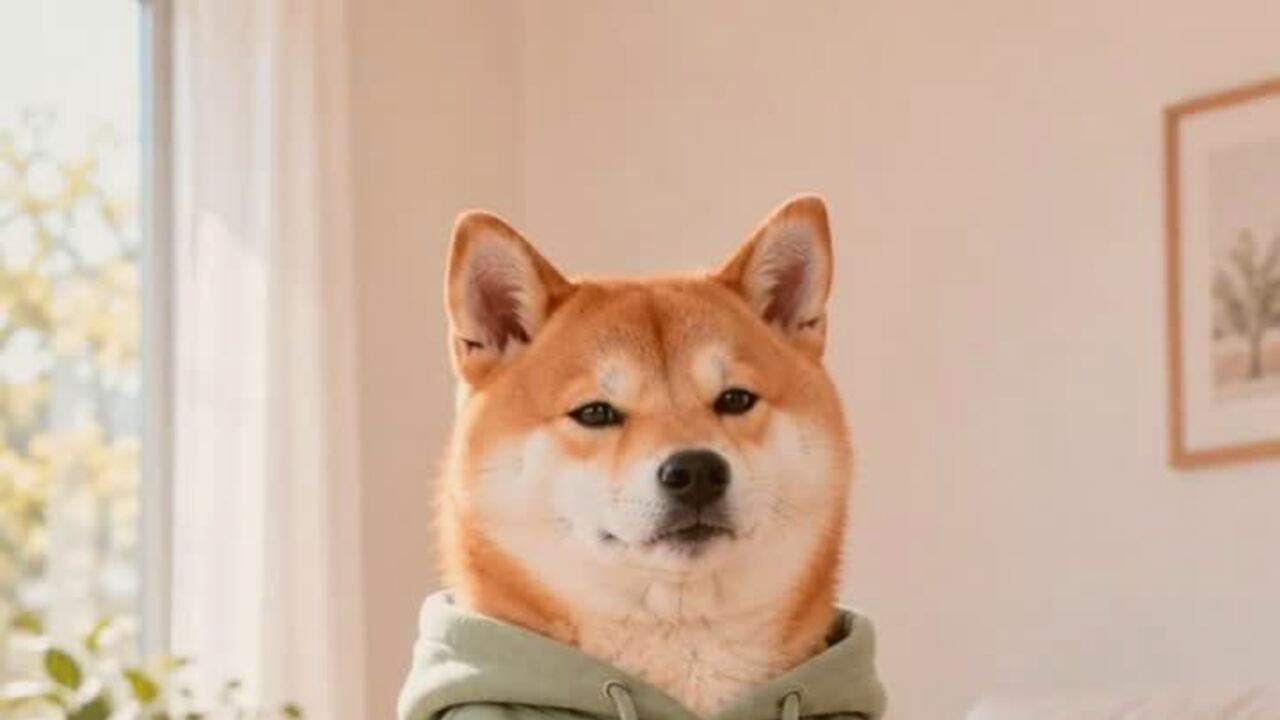 AI pet costume generatorTurn one pet photo into a polished Halloween costume portrait. Keeps your pet's breed, fur and markings. 4 credits, private uploads. No prompt to write.
 AI Halloween dance video generatorTurn one photo into a 12-second vertical Halloween dance video with no prompt or choreography. Silent MP4; 720p is 10 credits. A 1080p render is 50. No edit.
Leggi prima di generare
- The trend behind the Halloween dance pages
- What is AI in a trend, and what is not
- Lighting and framing notes for a better portrait
Aggiornato il 2026-10-20