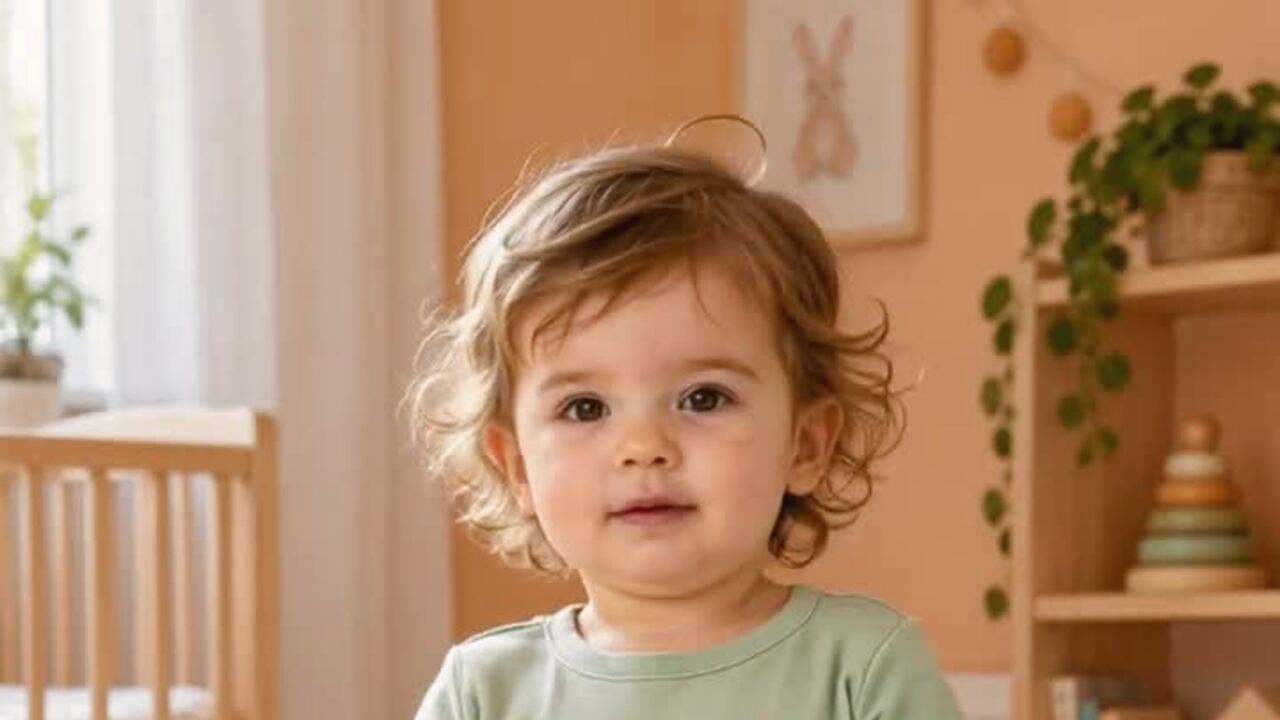
Why the baby preset is different
The generic dance prompt is built for an adult body: visible hips, a weight shift, shoulders rolling on the beat. A baby photo has none of those proportions. If the model tries to apply adult choreography, it has to invent a longer torso, longer legs or a different head-to-body ratio. That is where the uncanny results come from.
The baby preset replaces the adult motion brief with a smaller one: a soft side-to-side sway, a light shoulder bounce, tiny hand movement near the chest and a small smile at the end. The camera is fixed at chest height and the clip is one continuous take. The result should feel like a baby reacting to music, not a baby performing a TikTok routine.
The photo is the safety rail
Use a photo where the baby is sitting or lying in a stable position, with the face clear and the body visible. Avoid photos with a parent's hands in frame, a blanket covering the body, or a second person nearby. The model treats every visible body as something to animate, and a hand can turn into an extra limb.
Soft, even light is better than a flash. A window-lit photo on a plain bed or rug is ideal. If the baby is wearing a costume, make sure the costume does not cover the face or create a shape the model could misread as a second body. The video tool animates the image; it does not change the outfit.
What parents should check before posting
Watch the clip once at full size. Check the face, the hands and the edges of the body. If the face has aged, the eyes have drifted or an extra limb appears, do not post it. Run the render again with a cleaner photo. The tool is designed to keep proportions, but no generative model is perfect.
Think about who can see the video. A baby's face is sensitive personal information. If you post publicly, consider whether the account is private, whether the location is visible and whether the clip could be reused elsewhere. The site keeps the upload and result private to your account, but social platforms are a separate decision.
What the render costs and how long it takes
A standard 720p, 12-second, 9:16 clip is 10 credits. A 1080p render is 50. One-time packs start at $9.90, so you do not need a subscription for a single family video. There is no free trial and no sign-in bonus. If a render fails, the credits return automatically.
A render usually takes about three minutes. You can leave the page; the task keeps running. The output is silent, so add the song in TikTok, Reels or Shorts when you post. Keep the original MP4; re-exporting an already-uploaded version is how quality disappears.
An honest limit: it is still a generated video
The clip is not a recording of the baby dancing. It is an animation generated from a still image. Do not use it to imply that a real event happened, and do not use it in a medical or developmental context. For a family keepsake or a playful social post, that distinction is easy to explain.
If you want a more elaborate scene, generate a costume portrait first and animate that. The two-step workflow lets you reject the portrait before spending credits on a video.
使い方
- 1
Upload one baby photo
Use a clear, evenly lit photo with the face and body visible. One baby only; avoid hands or other people in frame.
- 2
Choose the render
The default is 720p, 12 seconds, 9:16 vertical. A standard render costs 10 credits.
- 3
Check proportions, then download
Watch for face drift or extra limbs. If the clip looks right, download the MP4 and add the sound in the app.
Baby dance prompt recipe
The prompt is fixed on the server. The baby, clothing and room come from the photo you upload.
The subject in this photo performs a gentle, cute baby dance: a soft side-to-side sway on the beat, light shoulder movement, tiny hand movements near the chest, eyes bright and a small smile at the end. Keep the subject exactly as photographed: same face, hair, body, outfit and background, and keep the baby's real proportions. Fixed phone camera at chest height, one continuous take, vertical video. Maintain realistic motion, stable anatomy and consistent lighting. Do not age the baby, change the body proportions, add people or introduce sudden scene cuts. No text or watermarks.
よくある質問
Is the motion safe for a baby photo?
The preset uses a small sway and a light bounce, not a full dance routine. It is designed to keep the baby's proportions and avoid adult choreography. Always check the output before posting.
Will the baby's face stay the same?
The prompt preserves the face and real proportions. A clear, evenly lit photo gives the best result. If the face drifts, try a sharper source photo.
How much does a baby dance video cost?
A standard 720p 12-second video is 10 credits. A 1080p render is 50. Failed renders are refunded automatically.
Can I use a photo with a parent holding the baby?
It is not recommended. The model may animate the hand as a separate body part. Crop the parent out or choose a photo where the baby is stable and alone in frame.
Does the video include music?
No. The export is silent. Add the track inside TikTok, Reels or Shorts when you post.
Who can see the video?
The upload and result are private to your account. If you post the clip publicly, the social platform's privacy settings apply.
関連ツール
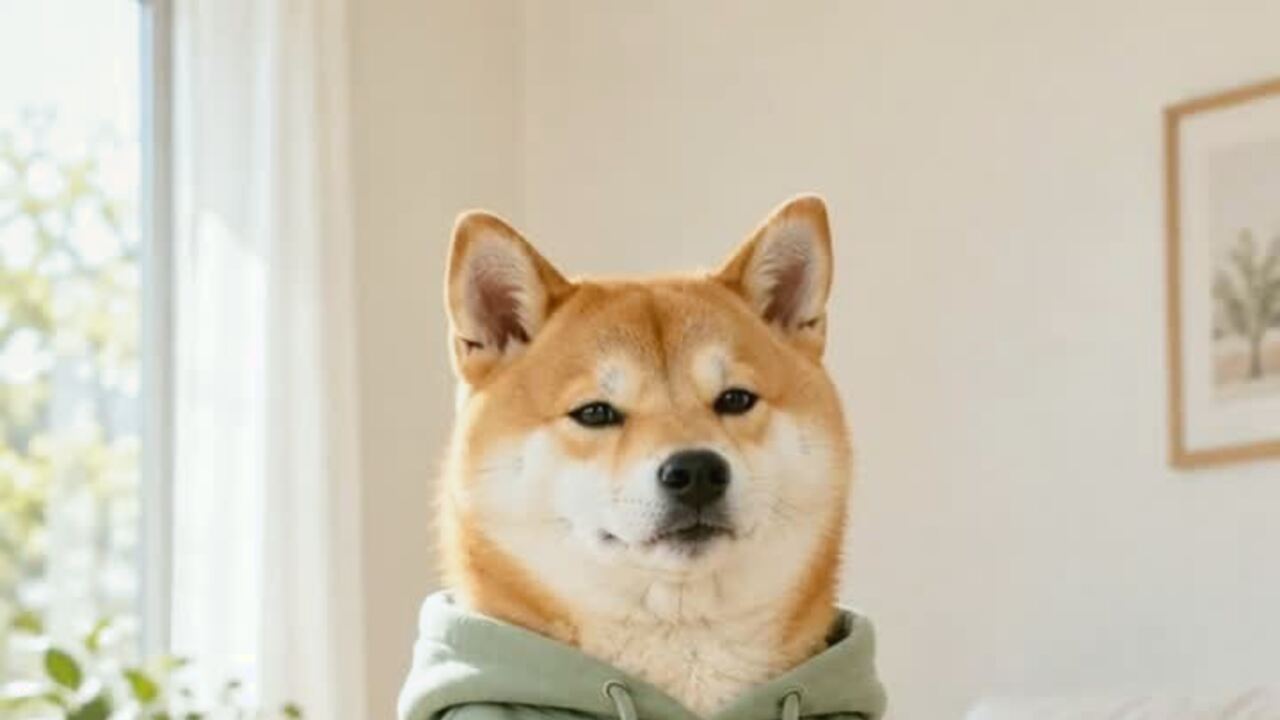 AI pet dance video generatorMake a dog or cat dance from one photo. Gentle motion, real proportions, 12-second vertical MP4. 720p is 10 credits. No prompt. Failed renders refunded.
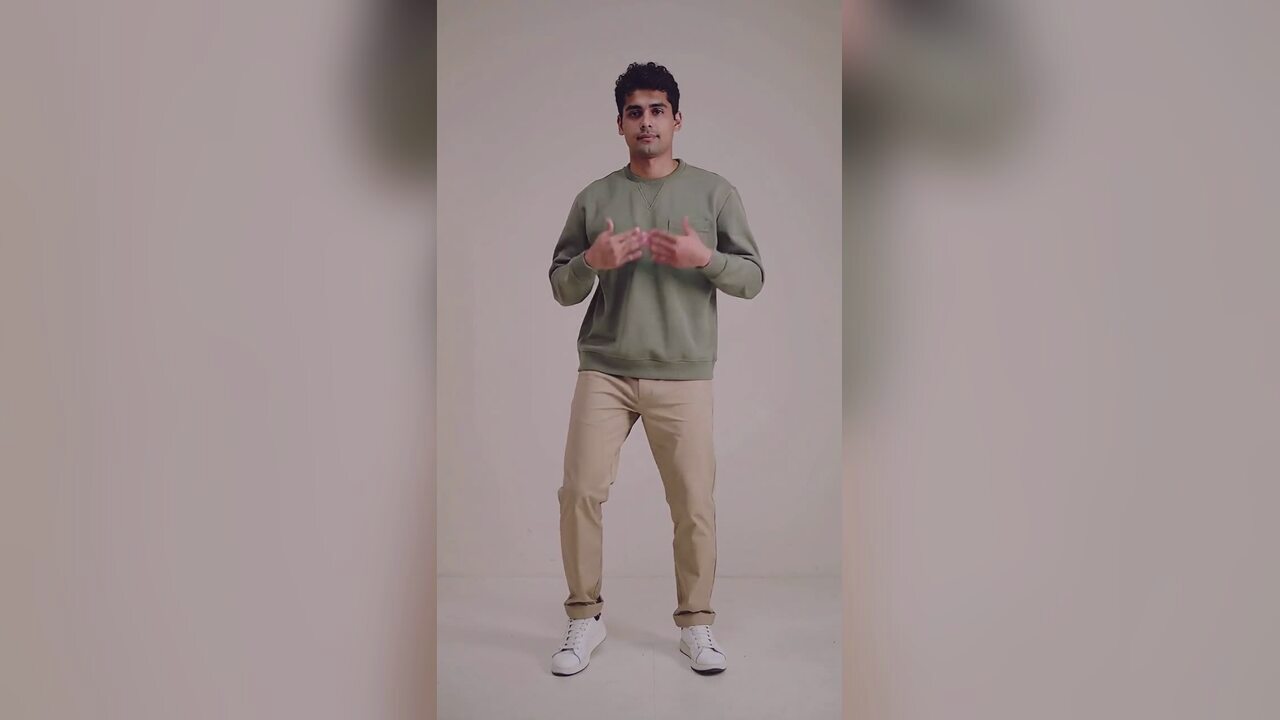 AI Halloween dance video generatorTurn one photo into a 12-second vertical Halloween dance video with no prompt or choreography. Silent MP4; 720p is 10 credits. A 1080p render is 50. No edit.
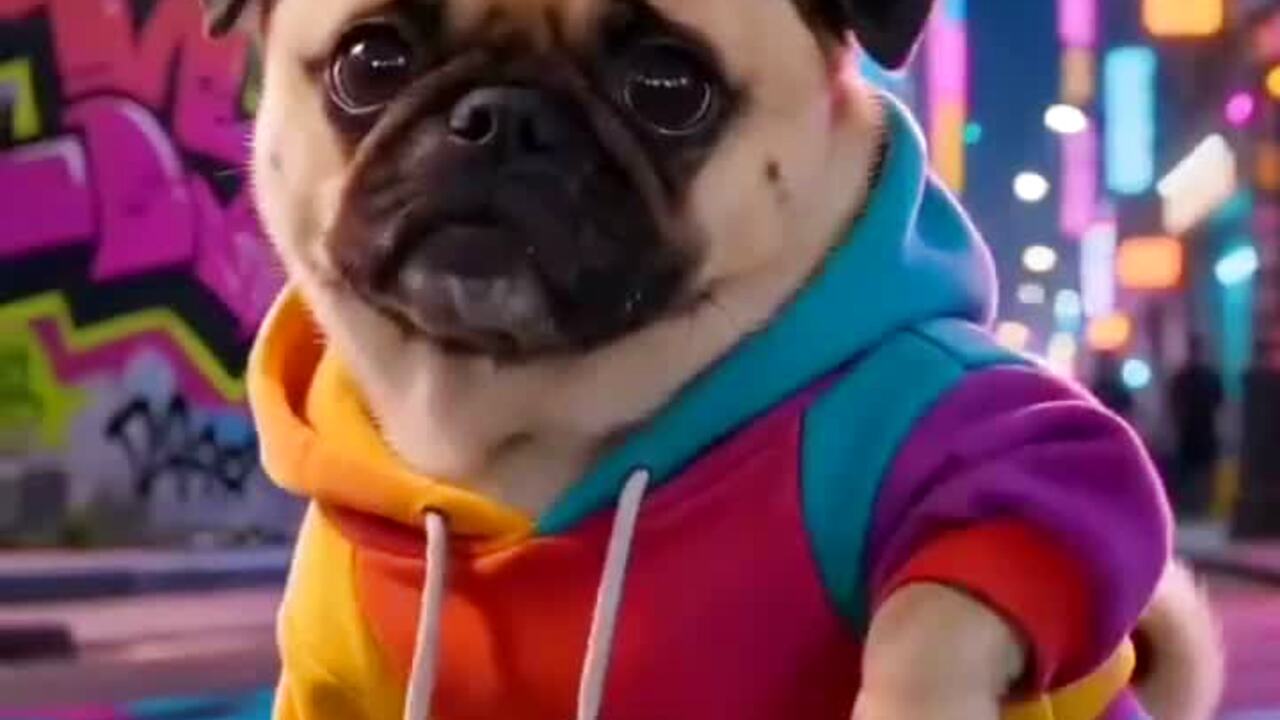 AI meme dance video generatorAnimate a character, mascot or funny portrait into a 12-second meme dance clip. One image, vertical MP4, 10 credits. No prompt. Failed renders refunded.
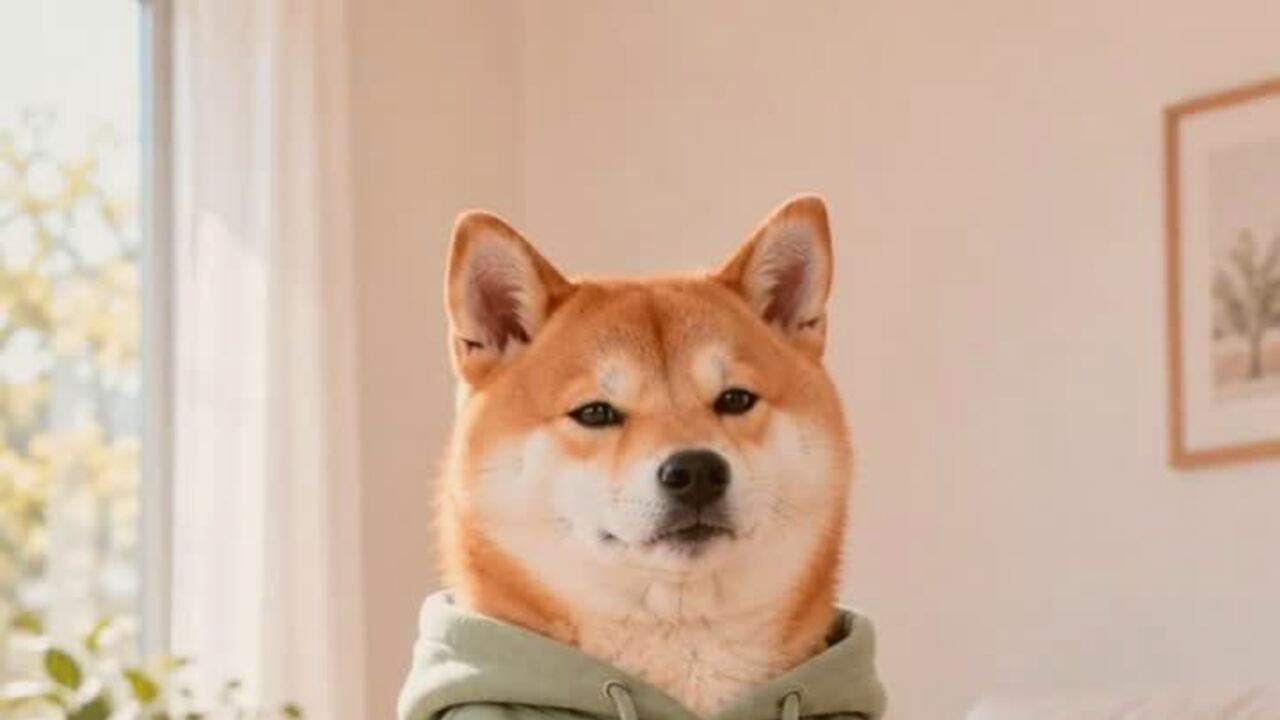 AI pet costume generatorTurn one pet photo into a polished Halloween costume portrait. Keeps your pet's breed, fur and markings. 4 credits, private uploads. No prompt to write.
生成前に読む
- The full guide to baby dance videos
- Photo-to-video basics, explained without jargon
- How to take a cleaner baby photo
2026-10-20 更新