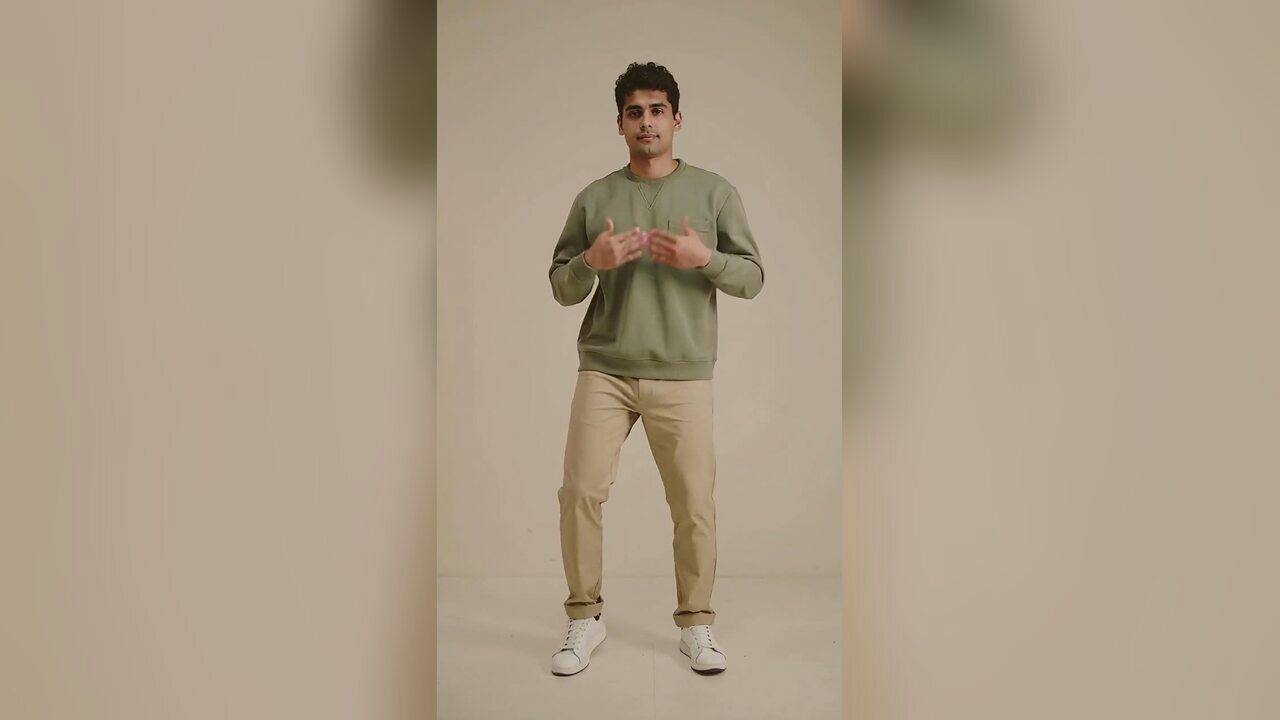
Why a dance clip belongs in a Black Friday plan
Black Friday feeds are crowded with the same three formats: a discount graphic, a product carousel and a countdown. Those formats are useful, but they are not memorable. A short dance clip gives the account a face and a bit of personality. It can announce a sale, break up a grid of product posts, or give a small brand something to post while the bigger accounts spend on ads.
The important word is short. A 12-second vertical clip is easy to watch, easy to repost and easy to pair with a trending sound. The page is built around that format, not around a long commercial or a product animation.
What the tool can and cannot do
It animates the person in your photo with a clean side-to-side bounce, a small arm pump and a subtle smile. It keeps the face, outfit and background from the source image. It does not add a product, change the price tag, create a discount graphic or write your caption. Those are separate jobs, and pretending otherwise would produce a confusing page.
If you want a product in the clip, hold the product in the source photo. If you want a costume or a seasonal look, edit the portrait first with the Halloween costume tool, then animate that image. The two-step workflow gives you control over the still frame before you spend credits on motion.
When to publish
In 2026, Black Friday is November 27 and Cyber Monday is November 30. The useful window starts before the day itself, when people are already searching for deals and planning purchases. A clip posted on the morning of Black Friday competes with every other sale post. A clip posted a few days earlier can set up the offer and give the algorithm time to find an audience.
If the clip is tied to a specific discount, make sure the caption and the landing page agree. A funny video that promises 50% off and lands on a page with no discount is worse than no video at all. The clip is the top of the funnel; the offer still has to be real.
The photo that makes the clip work
Use one person, facing the camera, evenly lit, with the body visible to the knees or lower. A plain background keeps the focus on the movement. If you are holding a product, keep it at chest height and do not cover your face. The model needs a clear body and a readable face; a product that blocks both makes the animation worse.
Avoid group photos, heavy filters, sunglasses and busy store backgrounds. A simple photo taken in a stockroom can work better than a polished ad shot because the model has fewer competing details to preserve.
Price, refunds and reuse
A standard 720p, 12-second video is 10 credits. A 1080p render is 50. One-time packs start at $9.90, and there is no subscription requirement. If a render fails, the credits return automatically. The output has no watermark and can be downloaded at full size.
The same clip can be reused on TikTok, Reels and Shorts, but each platform re-compresses the file. Upload the original MP4 each time rather than downloading a copy from the first platform. Add the sound in the app so the clip stays flexible.
使い方
- 1
Upload one clear photo
One person, facing the camera, body visible to the knees or lower. If you are holding a product, keep it below the face.
- 2
Generate the clip
The preset adds a clean bounce and a small arm pump. A standard 720p 12-second render costs 10 credits.
- 3
Post before the rush
Download the MP4, add the sound in the app and publish a few days before Black Friday, not only on the day.
Black Friday dance prompt recipe
The exact prompt is fixed on the server. The product, outfit and scene come from your photo.
The subject in this photo performs a short, celebratory Black Friday dance: a clean side-to-side bounce, a small arm pump and a subtle smile. Keep the subject exactly as photographed: same face, hair, body, outfit, product and background. Fixed camera, one continuous take, vertical video. Maintain realistic motion, stable anatomy and consistent lighting. Do not change the person's identity, add characters, add text or introduce sudden scene cuts. No watermarks.
よくある質問
Does this create a full Black Friday ad?
No. It creates a short dance clip for social posts. You still need a real offer, a caption and a landing page. The clip is the attention layer, not the whole campaign.
Can I hold a product in the photo?
Yes, if the product does not cover your face or hands. Keep it at chest height and make sure the label is visible in the source photo.
When should I post the clip?
A few days before Black Friday is usually better than the morning of the event. In 2026, Black Friday is November 27 and Cyber Monday is November 30.
How much does the video cost?
A standard 720p 12-second video is 10 credits. A 1080p render is 50. Failed renders are refunded automatically.
Can I use the clip in a paid ad?
You can use it if you own the source photo and have the rights to the product and any music you add. Check the ad platform's rules for AI-generated creative.
Does the video include music?
No. The export is silent. Add the track inside the social app when you post.
関連ツール
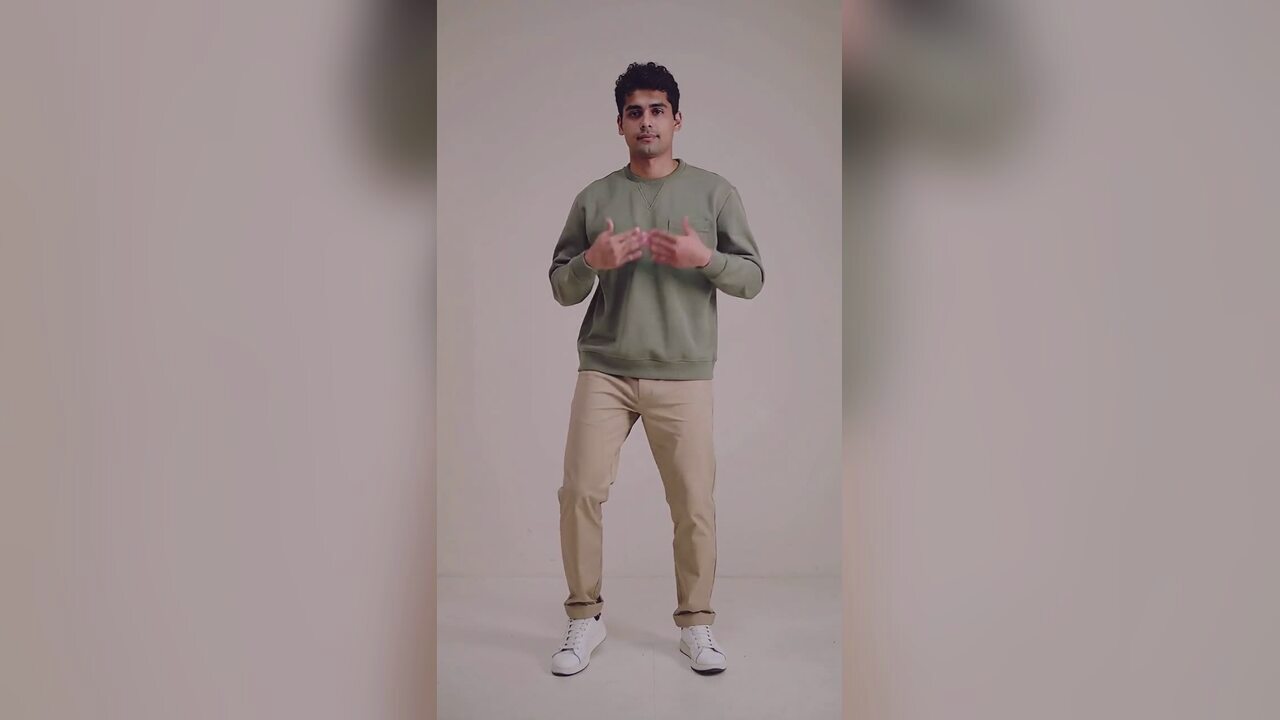 AI Halloween dance video generatorTurn one photo into a 12-second vertical Halloween dance video with no prompt or choreography. Silent MP4; 720p is 10 credits. A 1080p render is 50. No edit.
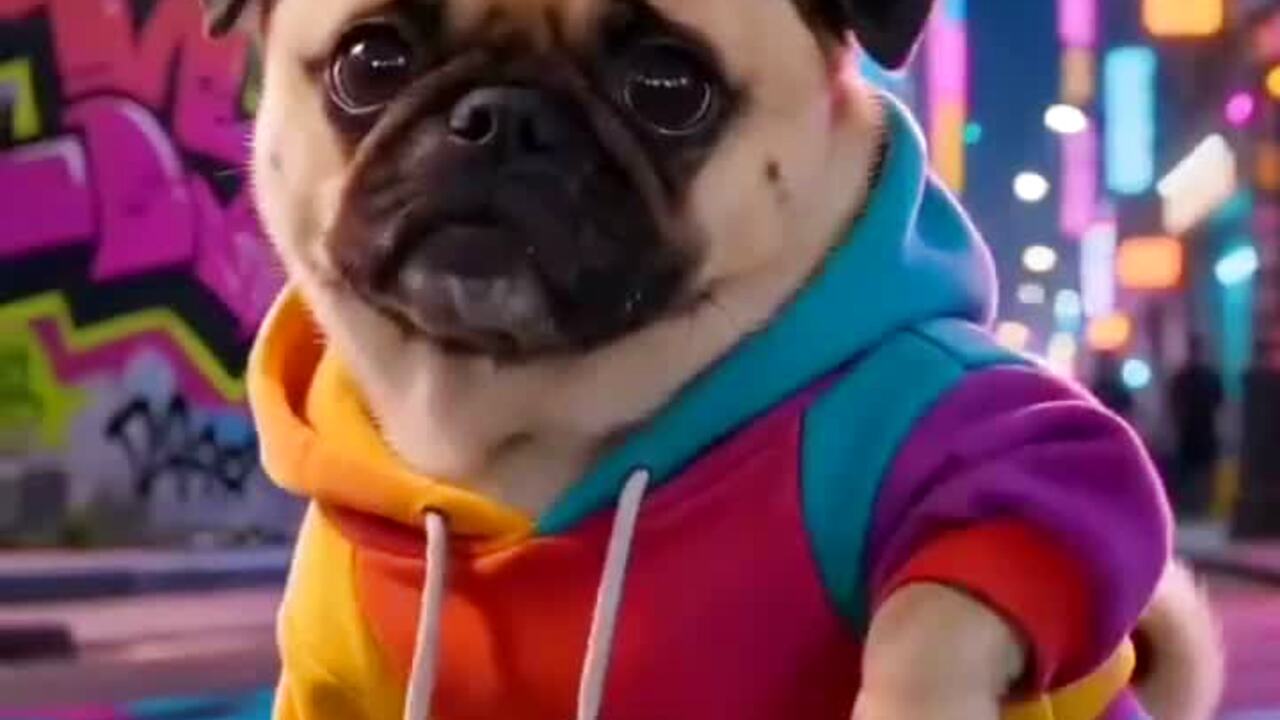 AI meme dance video generatorAnimate a character, mascot or funny portrait into a 12-second meme dance clip. One image, vertical MP4, 10 credits. No prompt. Failed renders refunded.
 AI pet dance video generatorMake a dog or cat dance from one photo. Gentle motion, real proportions, 12-second vertical MP4. 720p is 10 credits. No prompt. Failed renders refunded.
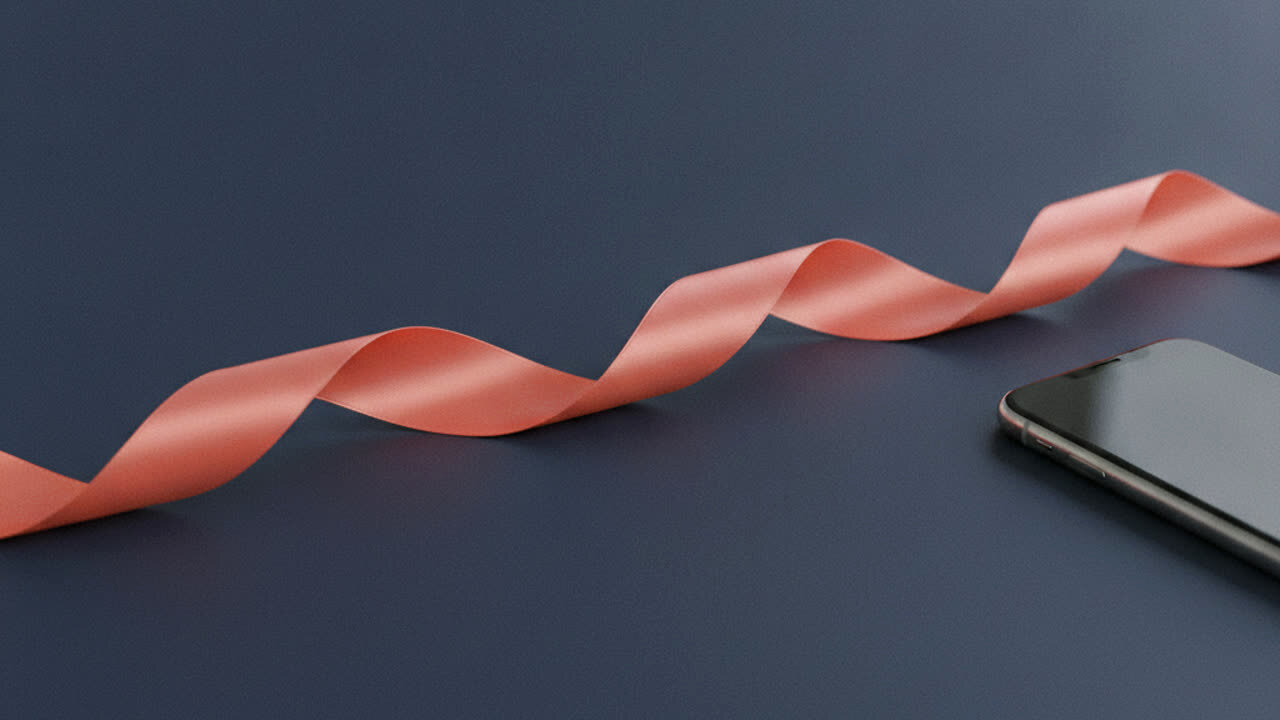 AI product photo editorTurn a phone product photo into a clean catalog image with a studio background, soft contact shadow and preserved label. 4 credits. Label and shape preserved.
生成前に読む
- Posting settings for a vertical dance clip
- The full photo-to-video workflow
- When a template is a better fit than a generative clip
2026-10-20 更新