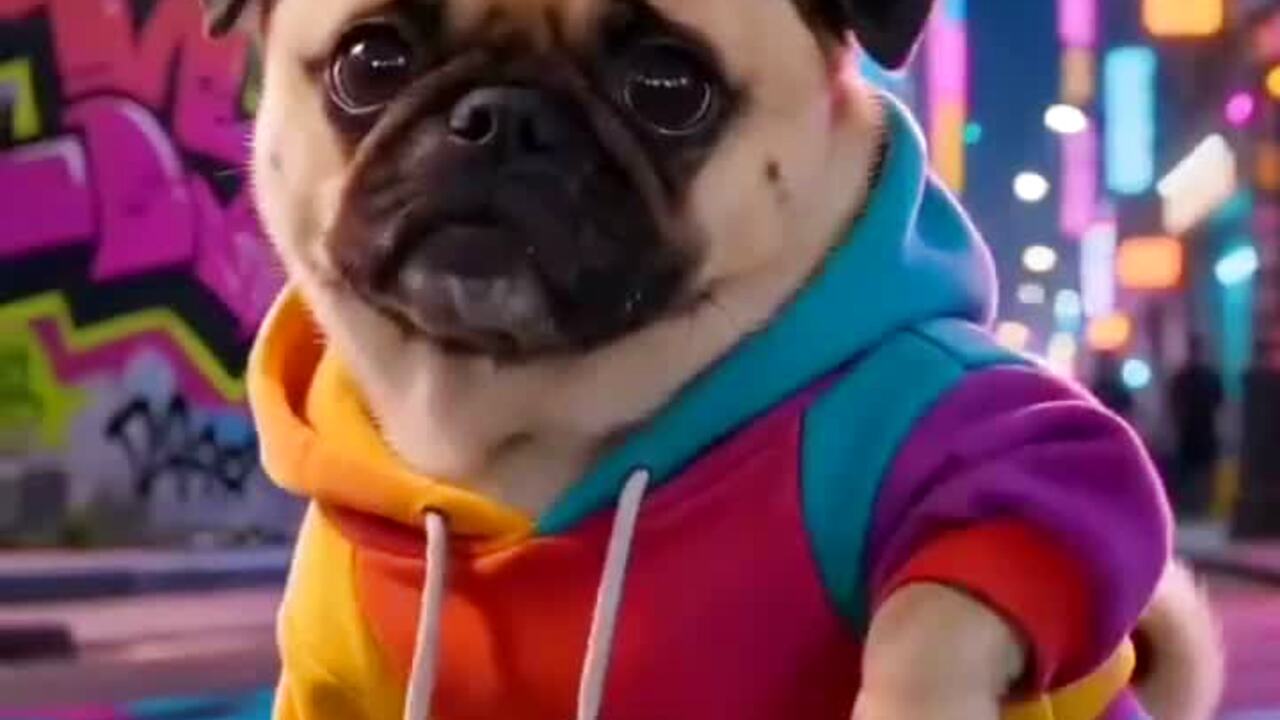
What makes a meme dance read as a joke
A meme dance needs a straight face and a committed body. If the character looks embarrassed, the joke disappears. If the motion is too large, the model breaks the anatomy and the clip looks like a failed render instead of a bit. The preset aims for the middle: a confident side-to-side step, loose arms and an expression that stays deadpan.
The other ingredient is a simple silhouette. A character with a clear head, torso and arms is easier to animate than a detailed crowd scene or a character buried under props. If the image is busy, the model has more things to move and more chances to merge them.
Good source images
Use one character or one person, centered in the frame, with the body visible. A toy or plush works if it has a clear front and a readable face. A mascot costume works if the head is not fully obscured. A portrait works if the person is facing the camera and the body is not cropped at the waist.
Avoid images with text overlays, speech bubbles or multiple characters. The model may try to animate the text or treat the second character as part of the body. If you need a caption, add it after the render in your editing app or in the social platform.
Copyright and character rights
You can animate an original character, a mascot you own, a photo of yourself or an image you have permission to use. Do not upload a copyrighted character, a celebrity photo or someone else's artwork and present the result as your own. The tool does not grant rights you do not already have.
If you are making a brand mascot dance, make sure the brand has approved the use. A generated clip can look official, which makes permission more important, not less.
The render
The default is 720p, 12 seconds, 9:16 vertical and silent. A standard render costs 10 credits; 1080p costs 50. The clip usually takes about three minutes. If it fails, the credits return automatically. You can leave the page and come back.
Watch the hands and the face before you post. A meme clip lives on the expression, so a drifting face ruins the joke faster than a slightly soft background. If the character has no hands, check the edges of the body instead.
Where to post it
Vertical, silent and short is the native format for TikTok, Reels and Shorts. Add the sound in the app. Keep the original MP4 and upload that file directly; re-exporting an already-uploaded version is how a sharp clip turns into mush.
If the meme is tied to a trend, post while the trend is still moving. A clip that arrives three weeks late has to compete with a feed that has already seen the joke. The tool is fast enough for a same-day idea if you already have the image.
How it works
- 1
Upload one character image
One character or person, centered, with the body visible and a readable face. JPG, PNG or WebP up to 10MB.
- 2
Generate the meme dance
The preset adds a confident side step and a deadpan expression. A standard 720p 12-second render costs 10 credits.
- 3
Check the face, then post
Download the MP4, add the sound in the app and post it while the trend is still active.
Meme dance prompt recipe
The server sends this exact prompt. The character and background come from the image you upload.
The subject in this photo performs a lively meme-style dance: a confident side-to-side step, loose arms, a small shoulder roll and a deadpan expression. Keep the character or person exactly as photographed: same face, body, outfit and background. Fixed camera, one continuous take, vertical video. Maintain realistic motion, stable anatomy and consistent lighting. Do not change the identity, add characters, add text or introduce sudden scene cuts. No watermarks.
Questions people ask before using it
Can I animate a cartoon or mascot?
Yes, if you own the character or have permission to use it. The model works best with a clear front-facing image and a simple background.
Can I use a celebrity photo?
No. Do not upload a public figure or an image you do not have the rights to use. The tool does not grant likeness or copyright permissions.
How much does a meme dance video cost?
A standard 720p 12-second video is 10 credits. A 1080p render is 50. Failed renders are refunded automatically.
Does the video include the original meme sound?
No. The export is silent. Add the sound in TikTok, Reels or Shorts when you post.
Why does the face drift?
A low-resolution, filtered or side-facing photo gives the model less identity detail. Use a sharp, front-facing image and try again.
Can I use the clip in an ad?
You can use it if you own the image and the character rights. For a brand campaign, get approval from the brand before publishing.
Related tools
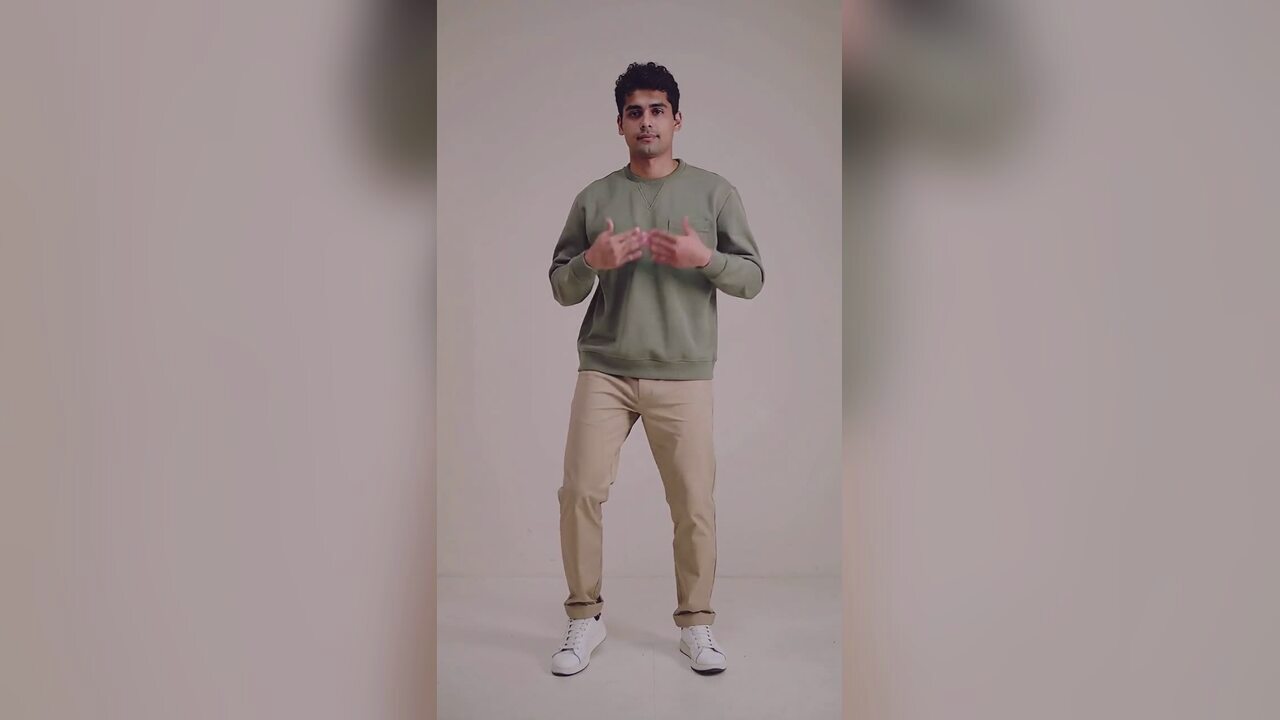 AI Halloween dance video generatorTurn one photo into a 12-second vertical Halloween dance video with no prompt or choreography. Silent MP4; 720p is 10 credits. A 1080p render is 50. No edit.
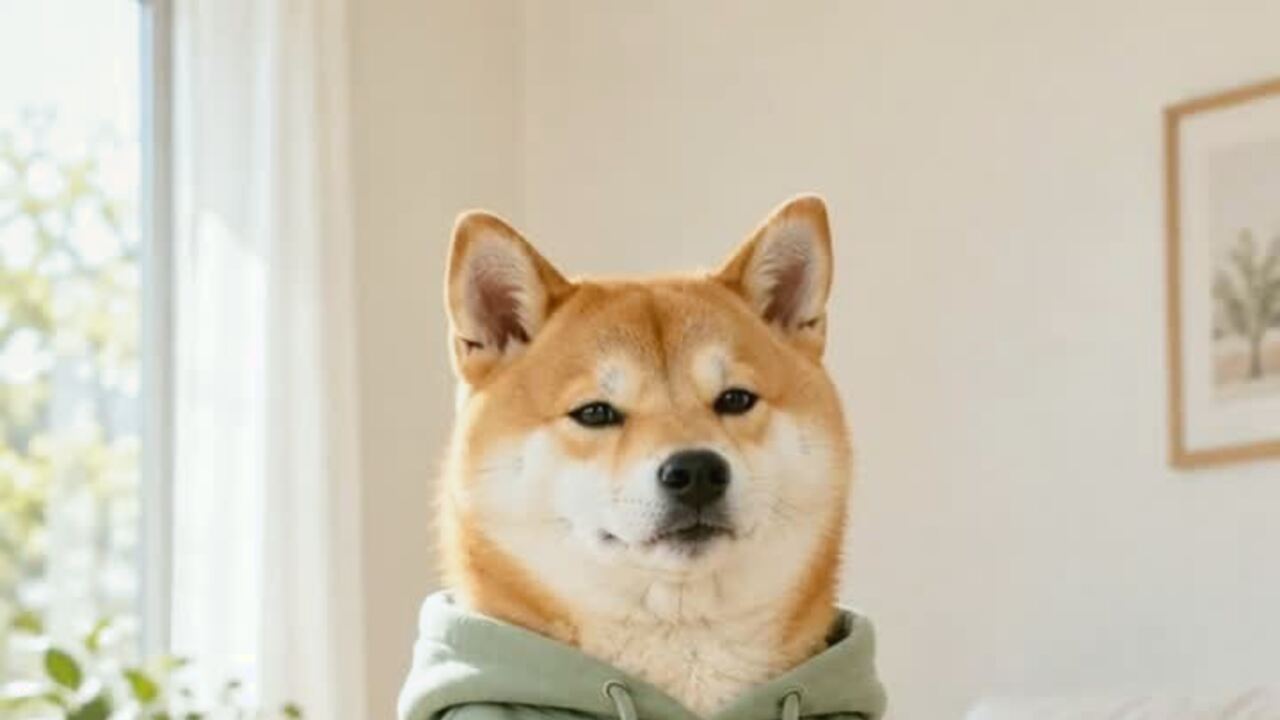 AI pet dance video generatorMake a dog or cat dance from one photo. Gentle motion, real proportions, 12-second vertical MP4. 720p is 10 credits. No prompt. Failed renders refunded.
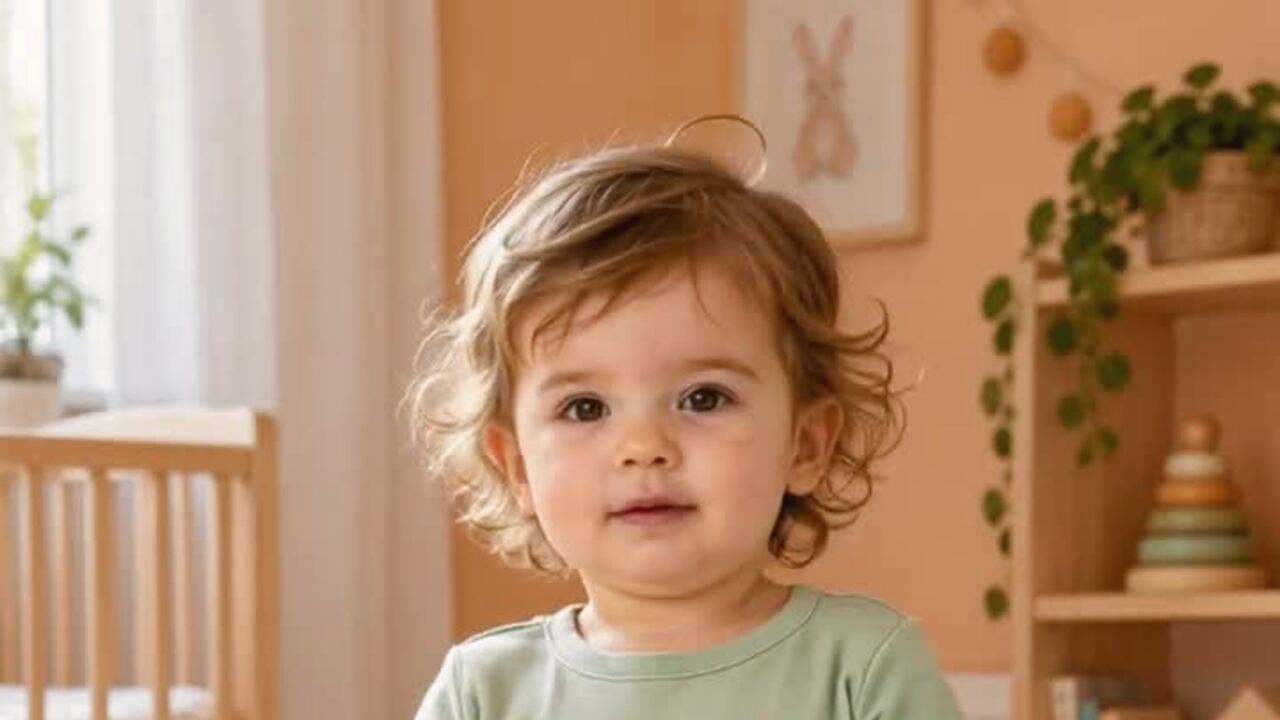 AI baby dance video generatorTurn one baby photo into a gentle 12-second dance clip. Keeps baby proportions and facial features, with no wild motion. 10 credits. Silent MP4. No prompt.
 AI product photo editorTurn a phone product photo into a clean catalog image with a studio background, soft contact shadow and preserved label. 4 credits. Label and shape preserved.
Read before you generate
Updated 2026-10-20