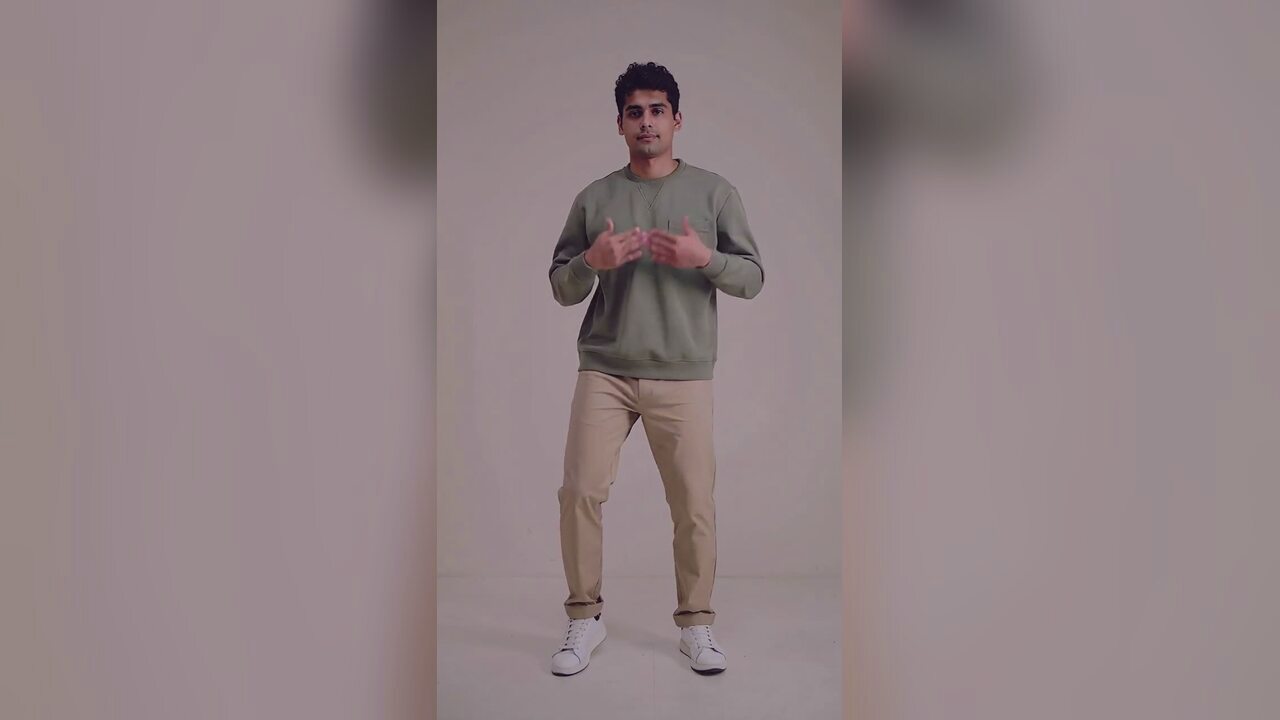
What the edit changes, and what it protects
The model treats your photo as the subject, not as a mood board. It preserves the face, facial proportions, skin tone, approximate age and natural anatomy, then changes the parts a costume would change: the outfit, the hair, the accessories, the background and the light. That order matters. If the face is allowed to drift, the result stops looking like you and the costume stops being useful as a preview.
The default look is an original haunted-unicorn costume: a sculpted hood with one pearlescent horn, soft faux-fur trim, deep plum velvet and tarnished silver hardware. It is deliberately a wearable costume rather than a full mascot suit, so the face stays visible and the result still reads as a portrait. The same engine can produce a gothic braid look, a celestial princess, a robot costume or a quieter ghost-story portrait from the related tool pages.
Why a costume preview is a different job from a costume photo
A product photo shows a costume on a model. A costume preview has to show the costume on you. Those are different search intents, and they fail in different ways. A generic image generator will happily produce a beautiful Halloween picture, but it may replace your face with a stranger, change your body shape or add a second person in the background. This editor is prompt-locked around identity preservation, so the interesting variable is the look, not whether the person is still recognizable.
That makes the page useful for three kinds of visitor: someone choosing between costume ideas, someone who wants a Halloween portrait without buying a physical outfit, and someone building a seasonal post for TikTok or Instagram. The output is a still image. It is not a shopping recommendation, and it does not claim that a specific retailer sells the exact garment in the picture.
Three Halloween directions that work from one selfie
The strongest results come from a clear visual idea rather than a pile of adjectives. These three directions cover most of the seasonal demand and each one gives the model a different job.
- Haunted unicorn: a wearable mascot-inspired costume, moonlit garden, low fog and warm lanterns. Best for a playful but slightly eerie portrait.
- Midnight braids: long violet braids, black-and-purple velvet, silver hair accessories and a Victorian garden. Best for a fashion-editorial look with a strong silhouette.
- Halloween robot: metallic armor panels, blue LED accents and articulated shoulders while keeping a human face. Best for a sci-fi costume without a full helmet.
The photo that gives the model the most to work with
The best source photo is boring in the right way: one person, facing the camera, evenly lit, with the head and shoulders clearly visible. A plain wall is better than a busy room because the model has less to invent. Avoid sunglasses, heavy beauty filters and strong colored lighting. Those details hide the face the model is trying to preserve, and they often survive into the edit as a strange color cast.
If you are uploading a photo of someone else, get their permission first. Do not upload a child who is not yours, a public figure, or a photo you found online. The tool is for your own photo, a family member you are responsible for, or a person who has explicitly agreed to the edit. The image is moderated before the provider sees it, and the result is private to your account.
From portrait to a short Halloween video
A still portrait is the natural first step. If you want motion, the Halloween dance page takes a photo and turns it into a short vertical clip with a deadpan bounce. Use the edited portrait as the source if you want the costume to stay consistent, or use the original photo if you want the dance to start from a clean, recognizable frame. The two tools charge separately because they call different models.
The video is silent. Add the track inside TikTok, Reels or Shorts when you post. A silent export is intentional: it keeps the file reusable and avoids baking a licensed song into a download.
사용 방법
- 1
Upload one clear selfie
Use a JPG, PNG or WebP up to 10MB. One person, facing the camera, evenly lit, with the face unobstructed.
- 2
Generate the costume portrait
The preset prompt preserves your identity and changes the costume, hair, accessories, background and light. The edit costs 4 credits.
- 3
Download or keep creating
Open the result at full size, download the image, then try a second direction or animate the look on the Halloween dance page.
Haunted unicorn prompt recipe
The prompt is shown so you can see what the model is asked to do. The engine sends this exact text; the upload cannot rewrite it.
Edit the uploaded photo into an original haunted-unicorn Halloween costume portrait. Preserve the subject's recognizable facial identity, facial proportions, skin tone, approximate age and natural anatomy. Keep the same number of people as the uploaded photo. Dress the subject in a wearable, couture-inspired unicorn mascot costume: a sculpted hood with a single pearlescent horn, soft faux fur trim, deep plum velvet and tarnished silver hardware. The costume must look like something a real person can wear, not a full-body mascot suit. Place the subject in a moonlit Victorian garden with low fog, dark autumn foliage and a few warm lanterns. Keep the pose natural and the face clearly visible. Use photorealistic editorial photography, realistic fabric and skin texture, natural light and cinematic color. Avoid altered facial identity, extra limbs, duplicated fingers, distorted anatomy, text, logos and watermarks.
자주 묻는 질문
Is this a real costume or an AI preview?
It is an AI-edited portrait, not a product photo. The costume is generated from the prompt and does not correspond to a specific item for sale. Use it to explore a direction before you buy or make a costume.
Will the result still look like me?
The prompt is built to preserve your face, skin tone, approximate age and body proportions. A clear, evenly lit photo gives the model more identity detail to keep. Heavy filters, sunglasses and profile poses make drift more likely.
How much does one Halloween costume edit cost?
Four credits per image. There is no free trial and no sign-in bonus. One-time credit packs start at $9.90; a failed edit returns its credits automatically.
Can I upload a photo of my child or a friend?
Only if you are the parent or guardian, or the person has given you permission. Do not upload a public figure or a photo you found online. Every upload is moderated before the provider sees it.
Can I use the image commercially?
You own what you make here and there is no watermark. For a brand campaign, make sure you also have the rights to the source photo and to any real costume design you are referencing.
Why does the costume not match a product I can buy?
The model creates an original look from a description. It is not a catalog search and it does not know a retailer's inventory. Treat the result as art direction, then source or build the costume separately.
관련 도구
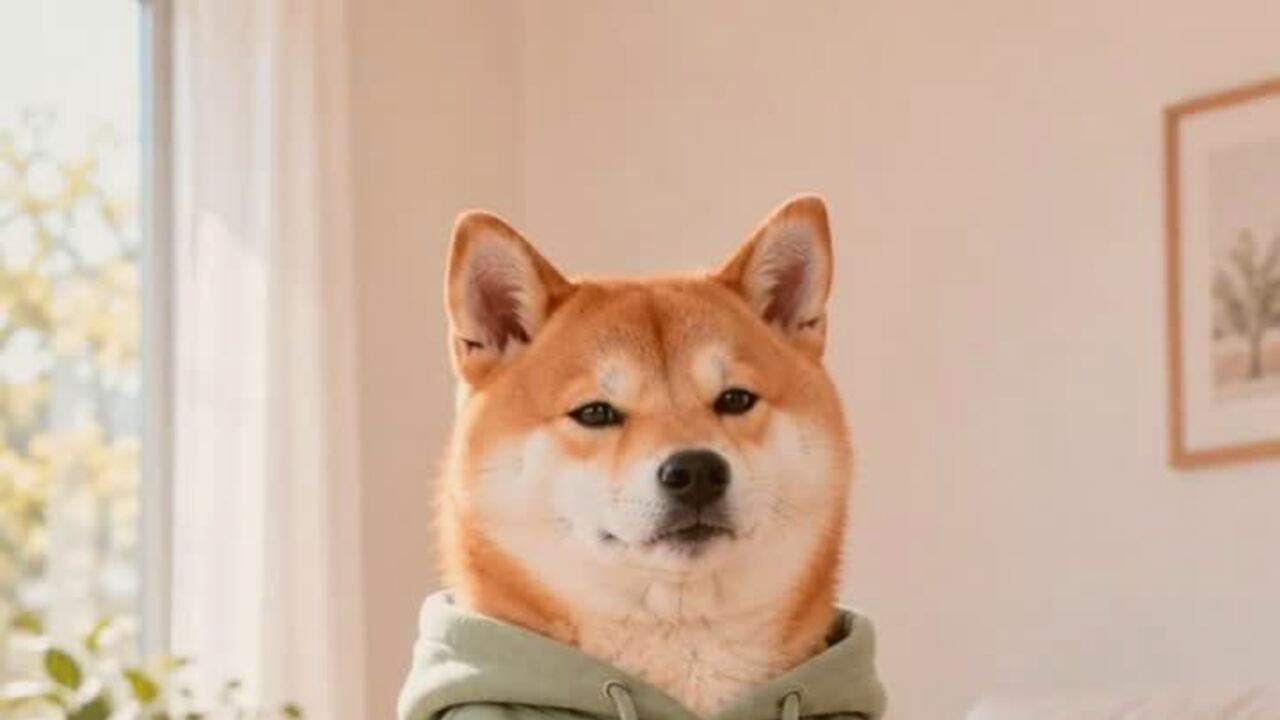 AI pet costume generatorTurn one pet photo into a polished Halloween costume portrait. Keeps your pet's breed, fur and markings. 4 credits, private uploads. No prompt to write.
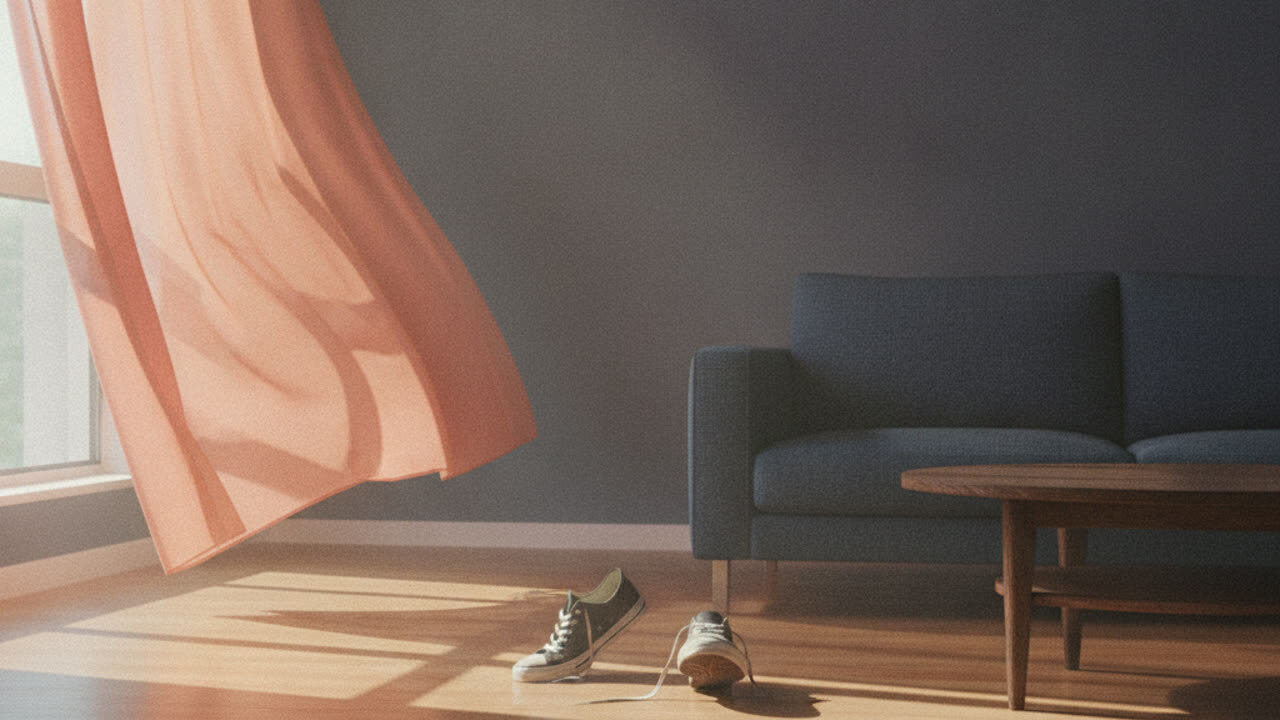 AI couple costume generatorUpload two photos and get one coordinated Halloween couple portrait. Keeps both identities separate, with no face swap or third person. 4 credits. No face swap.
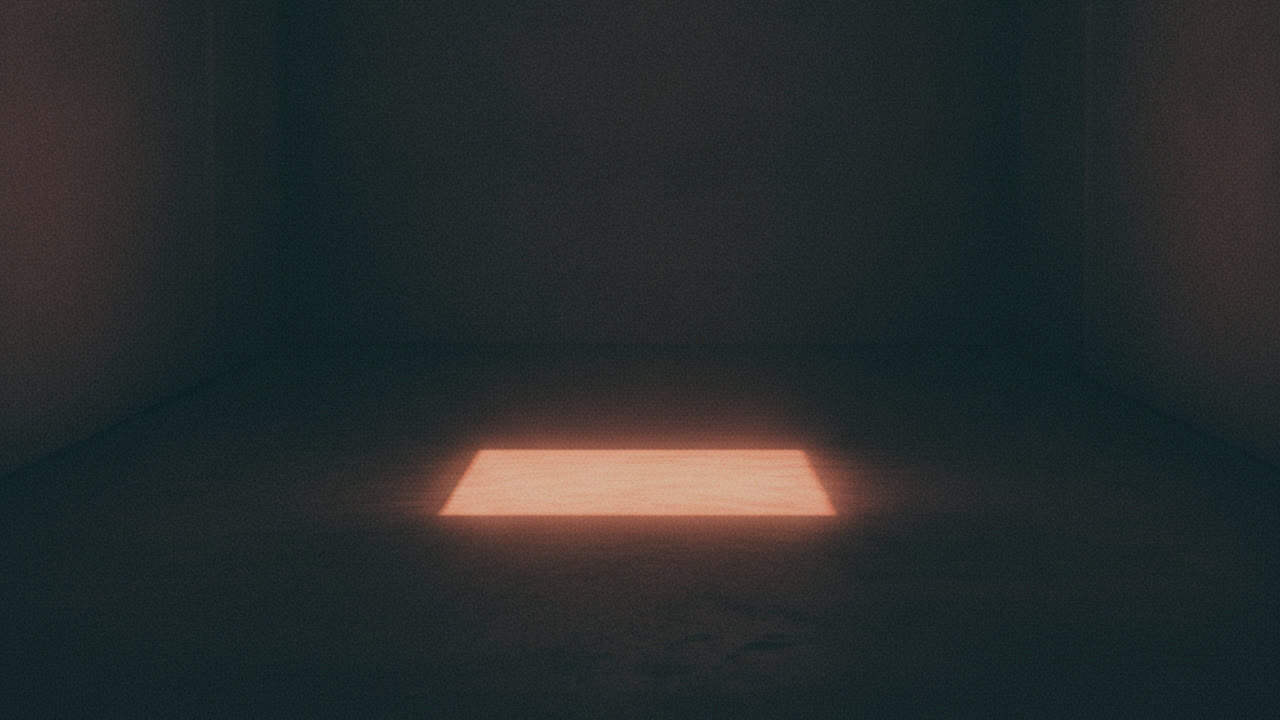 AI ghost portrait generatorTurn a portrait into an atmospheric ghost-story character edit. Keeps the face readable and adds mist and a dim corridor, with no gore. 4 credits. No gore.
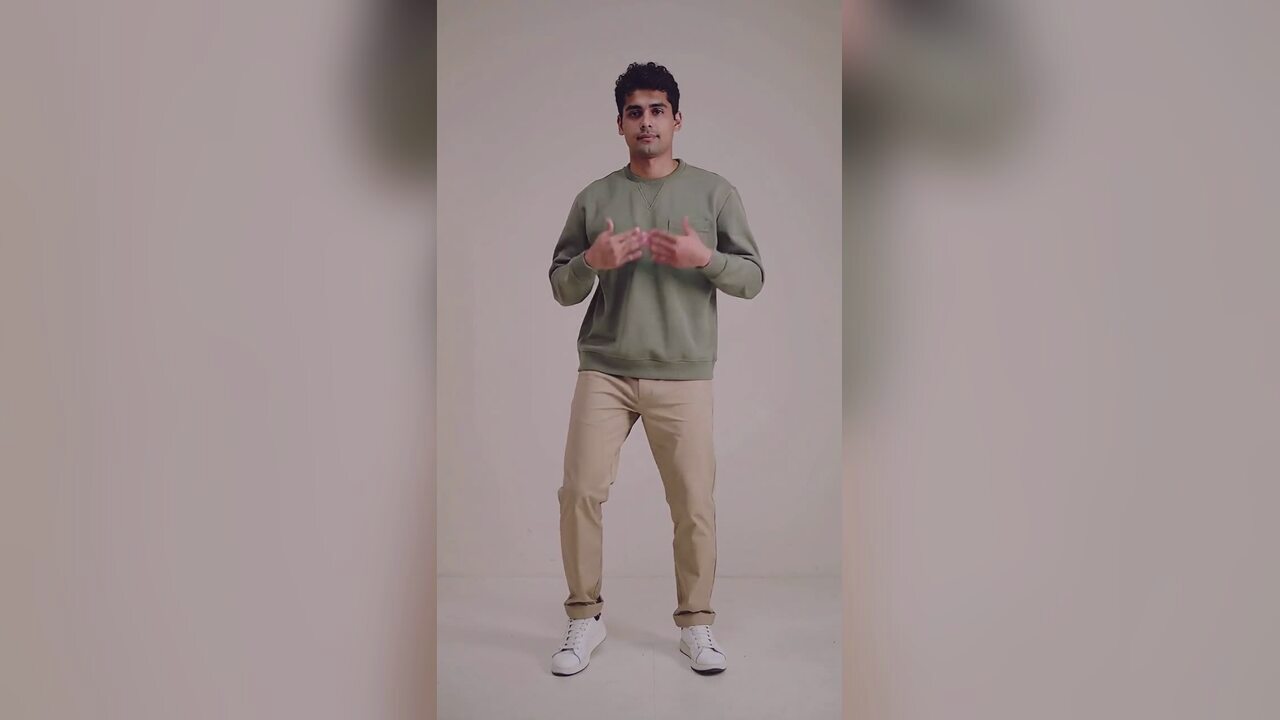 AI Halloween dance video generatorTurn one photo into a 12-second vertical Halloween dance video with no prompt or choreography. Silent MP4; 720p is 10 credits. A 1080p render is 50. No edit.
생성 전에 읽어 보세요
- Photo tips for a cleaner face and a better edit
- How to post a Halloween clip without losing quality
- What the Jawn dance is, and why it fits a costume reveal
2026-10-20 업데이트