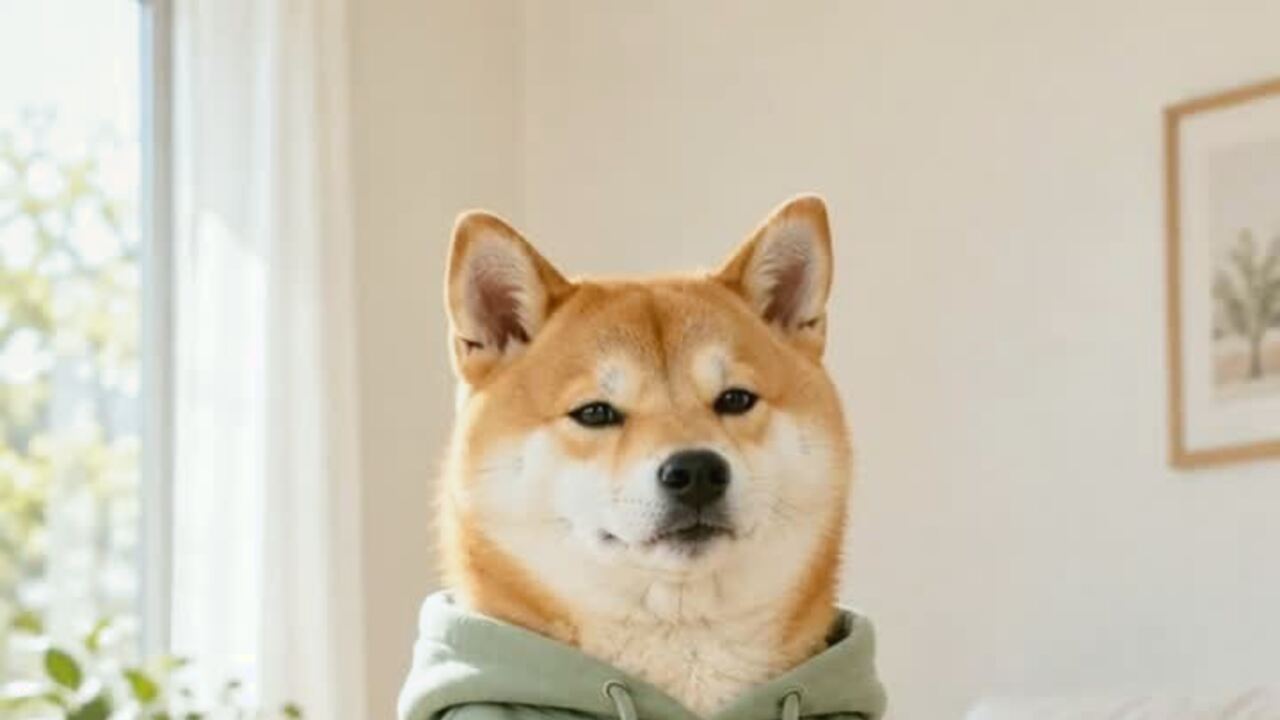
Small motion is the whole trick
A pet has a different skeleton from a person. When an image-to-video model is asked for a big dance, it often borrows human proportions and produces extra paws, bent legs or a body that stretches like rubber. The pet preset avoids that by asking for a soft sway, small paw lifts and a stable camera. The result reads as a dance because of timing and expression, not because the animal is doing a backflip.
The other important constraint is the species. The prompt keeps the breed, fur, markings and real proportions. A Chihuahua stays a Chihuahua; a cat stays a cat. If the output looks like a different animal, the source photo probably had too little detail or the model drifted. A clearer photo is the fix.
Which pet photos work
Use a photo where the pet is standing or sitting, facing the camera, with the head and most of the body visible. A plain floor or a simple room is better than a busy park. The model needs to understand where the body ends and the background begins. If the pet is lying down, the dance tends to look like a twitch because there is no standing posture to animate.
Avoid photos with two animals, a person holding the pet, or a toy in the mouth. Those elements give the model more things to move and more chances to merge them. If you want a costume, use the pet costume editor first and upload the portrait here. The video tool animates the image; it does not dress the pet.
The expression is part of the performance
The preset asks for a bright expression and a small smile at the end. That is not just cute styling. A completely blank face makes the motion look mechanical. A slight change in the eyes and mouth gives the clip a beginning and an end, which is what makes a six-second video feel like a joke rather than a loop.
If your pet already has a serious or grumpy expression in the photo, the result can be funnier. The model will try to preserve the face, so do not expect a full personality change. Choose the photo whose expression you actually want to see moving.
What the export looks like
The default is 720p, 12 seconds, 9:16 vertical and silent. You can choose a shorter clip or a higher resolution before generating. A standard 720p render costs 10 credits; 1080p costs 50. The file has no watermark and can be downloaded at full size. Add the sound in TikTok, Reels or Shorts when you post.
The model takes about three minutes for a 12-second clip. If the render fails, the credits return automatically. You can leave the page and come back; the task keeps running and the finished clip stays in your account.
A note on consent and animal welfare
Only upload a pet you are responsible for. Do not use a photo of someone else's animal without permission. The result is a generated video, not a record of the animal actually dancing. Do not use it to make claims about a real animal's behavior or health.
If you are making a costume video, make sure the real costume you buy or make is safe for the animal: no tight straps, no covered eyes and no small parts that can be chewed off. The AI preview is the fun part; the real costume still has to be comfortable.
사용 방법
- 1
Upload one pet photo
One animal, standing or sitting, facing the camera, with the body visible. JPG, PNG or WebP up to 10MB.
- 2
Choose the render
The default is 720p, 12 seconds, 9:16 vertical. A standard render costs 10 credits.
- 3
Check the paws and download
Watch the clip once for extra paws or a stretched body. If it looks right, download the MP4 and add the sound in the app.
Pet dance prompt recipe
The video prompt is fixed. The animal, costume and background come from the photo you upload.
The subject in this photo performs a gentle, cute dance: a soft side-to-side sway on the beat, shoulders or front paws bouncing lightly, tiny paw movements near the chest, eyes bright and a small smile at the end. Keep the subject exactly as photographed: same breed, fur, markings, face, body, outfit and background, and keep real proportions. Fixed phone camera at chest height, one continuous take, vertical video. Maintain realistic motion, stable anatomy and consistent lighting. Do not change the animal's species, add animals or introduce sudden scene cuts. No text or watermarks.
자주 묻는 질문
Will my pet still look like my pet?
The prompt preserves the breed, fur, markings, face and real proportions. A clear, front-facing photo gives the model the best chance of keeping the animal recognizable.
Can I make a cat dance too?
Yes. The preset is written for pets generally, not just dogs. A standing or sitting cat with a clear body shape works best.
How much does a pet dance video cost?
A standard 720p 12-second video is 10 credits. A 1080p render is 50. Failed renders are refunded automatically.
Can I add a costume?
Use the pet costume editor first, then upload the portrait here. The video tool animates the image but does not add clothing.
Does the video have sound?
No. The MP4 is silent. Add the track inside TikTok, Reels or Shorts when you post.
Can I use a photo with two pets?
It is not recommended. One animal gives the model a clear body to animate. Two animals often produce merged limbs or one pet moving while the other stays frozen.
관련 도구
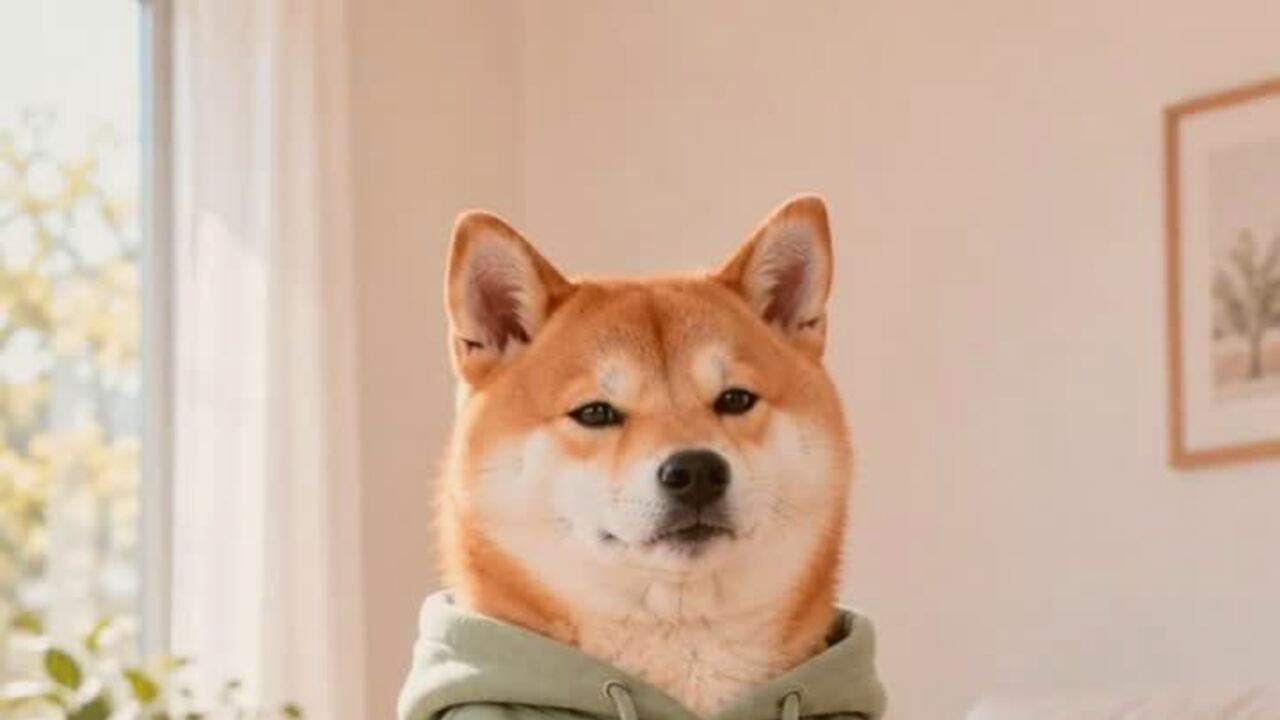 AI pet costume generatorTurn one pet photo into a polished Halloween costume portrait. Keeps your pet's breed, fur and markings. 4 credits, private uploads. No prompt to write.
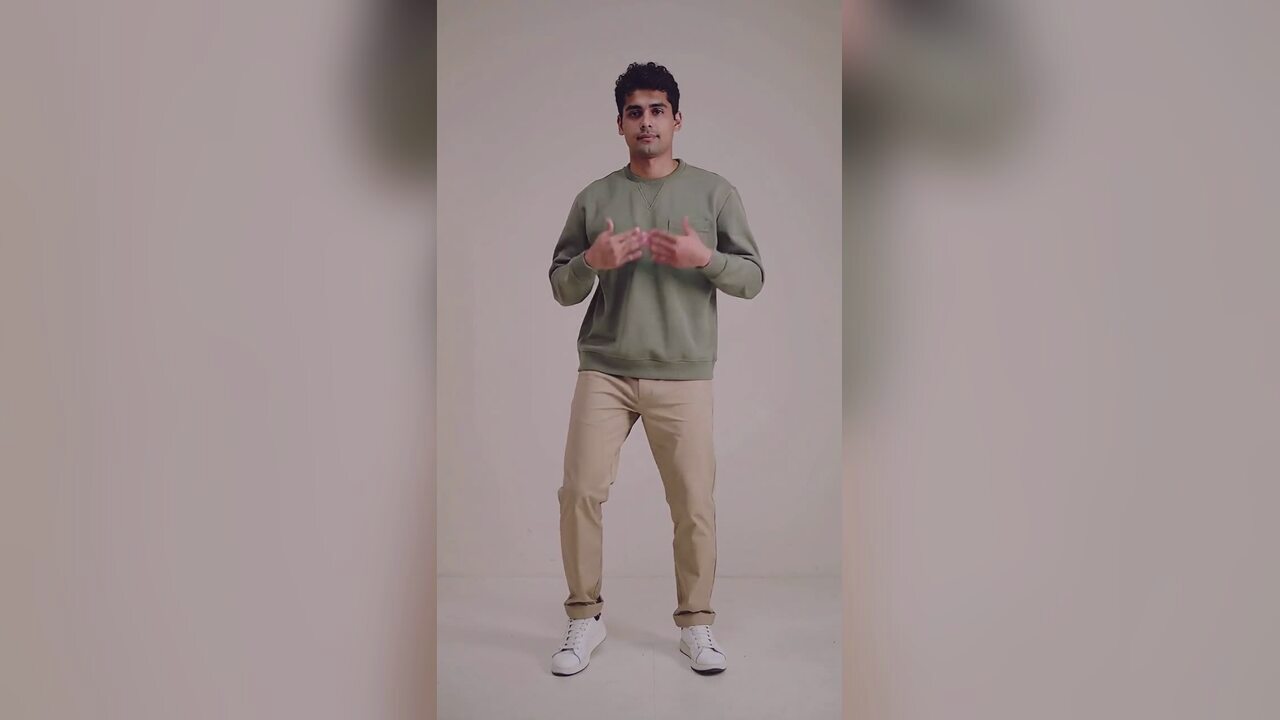 AI Halloween dance video generatorTurn one photo into a 12-second vertical Halloween dance video with no prompt or choreography. Silent MP4; 720p is 10 credits. A 1080p render is 50. No edit.
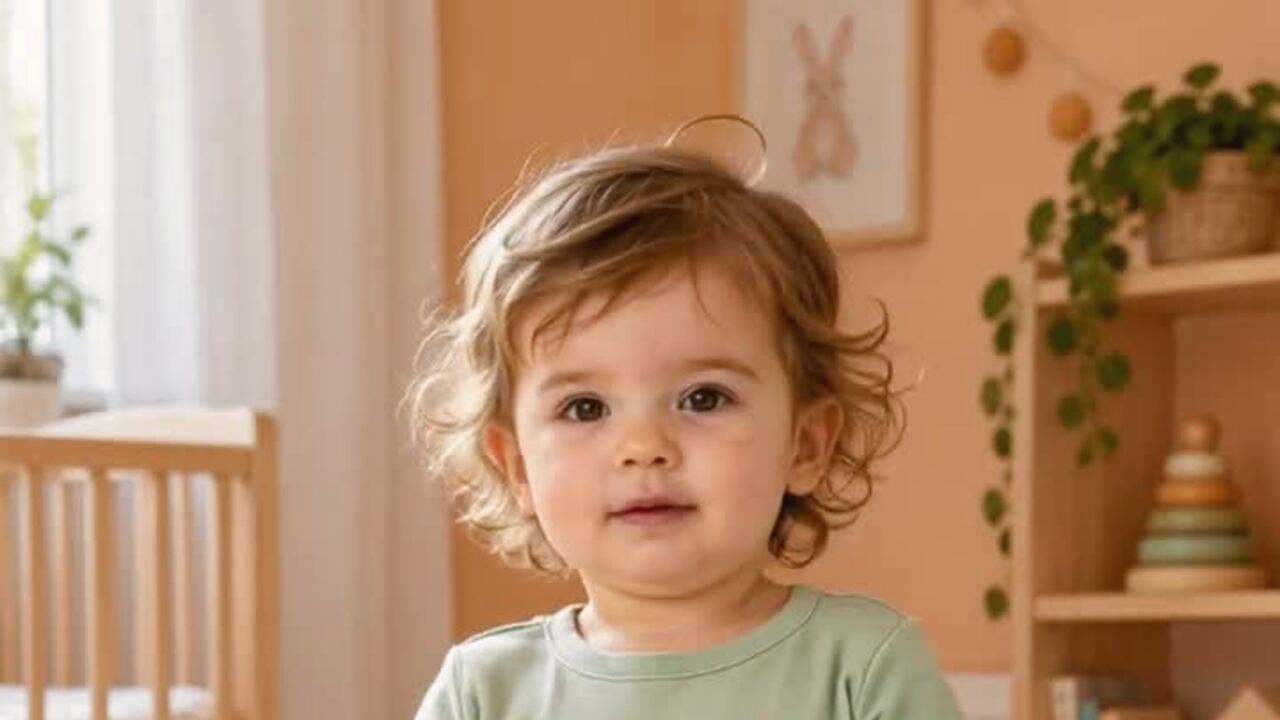 AI baby dance video generatorTurn one baby photo into a gentle 12-second dance clip. Keeps baby proportions and facial features, with no wild motion. 10 credits. Silent MP4. No prompt.
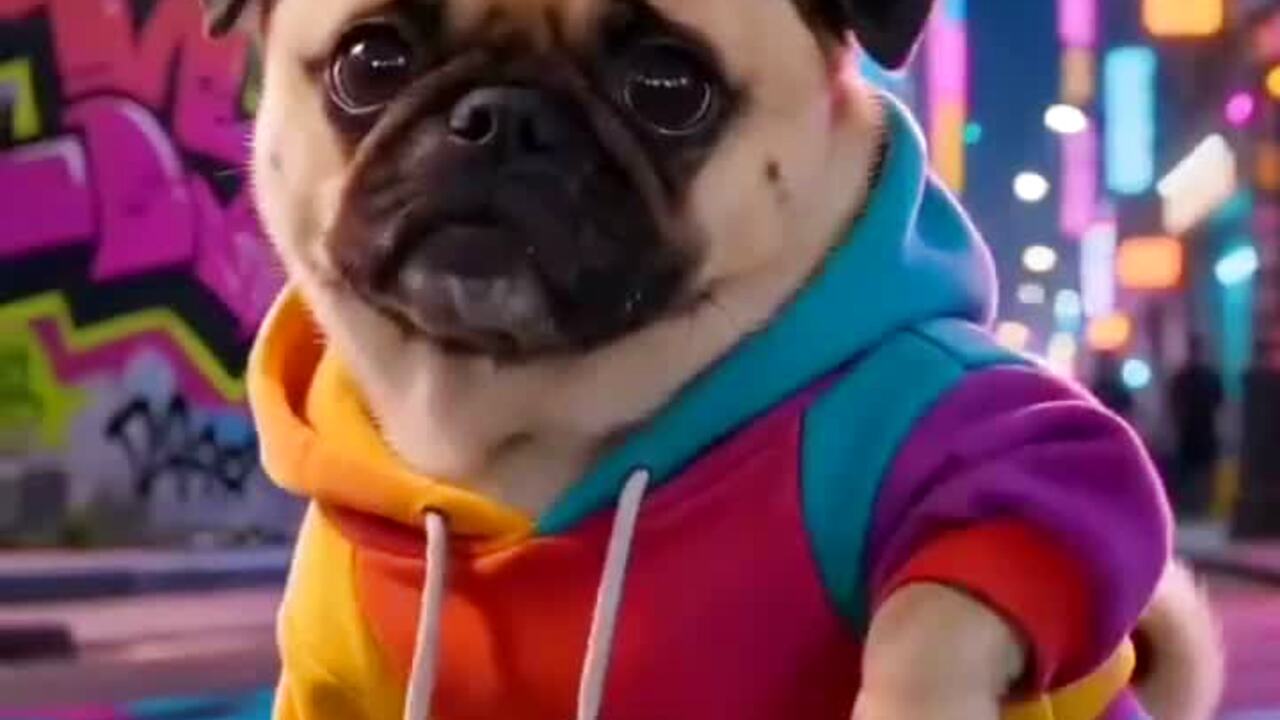 AI meme dance video generatorAnimate a character, mascot or funny portrait into a 12-second meme dance clip. One image, vertical MP4, 10 credits. No prompt. Failed renders refunded.
생성 전에 읽어 보세요
- The full guide to making a pet dance
- The photo-to-video workflow, step by step
- Posting a pet clip without losing quality
2026-10-20 업데이트