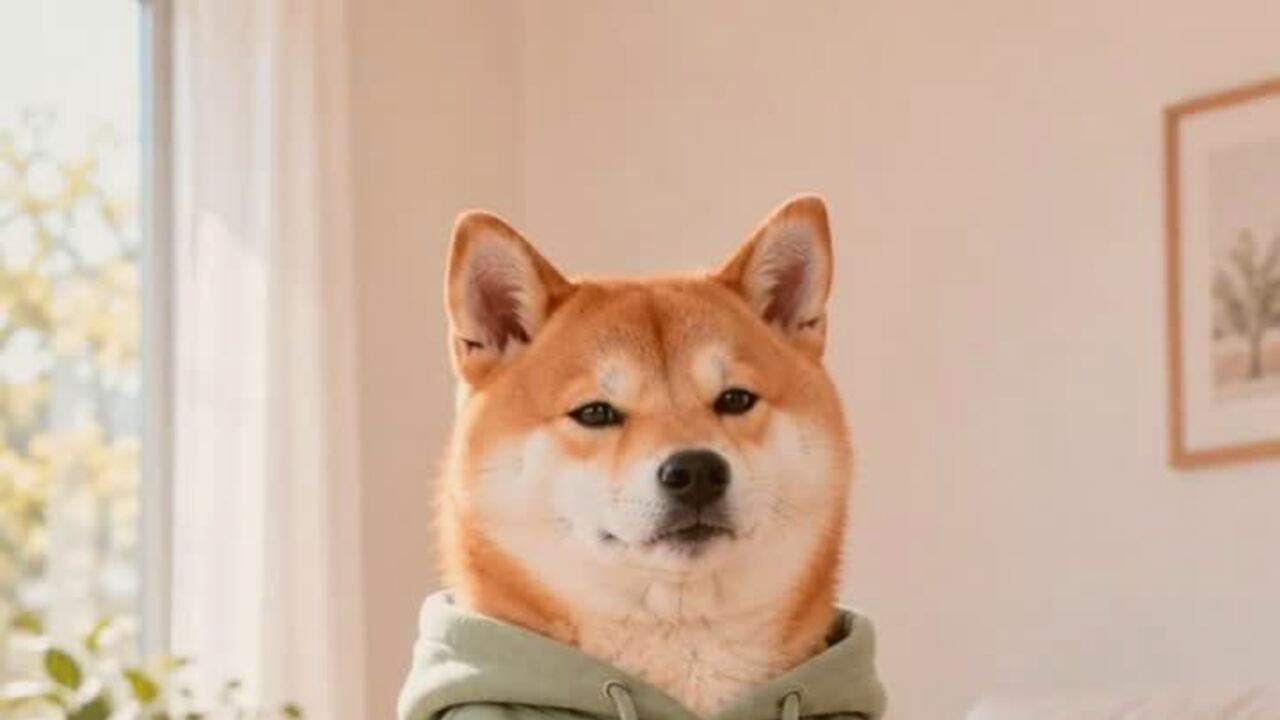
The hard part is keeping the animal recognizable
Pet edits fail when the model turns the animal into a generic dog or cat. Fur patterns, ear shape, muzzle length and eye color are the identity markers, and a costume should sit on top of them rather than replace them. The preset starts with an explicit preservation clause for breed, fur color, markings, eyes and anatomy, then adds the costume and the set.
The costume is intentionally simple: a soft pumpkin-inspired body with a small green leaf collar. That gives the model a clear shape without covering the face, ears or mouth. A mask or a full hood would hide the features that make the portrait yours, and it would also be a worse representation of a costume a pet could actually wear.
What makes a good source photo
The best pet photo is taken at the animal's eye level, with the whole head and most of the body in frame. Natural window light is ideal. A flash photo against a dark wall can work, but it often flattens the fur texture and creates hard shadows that the model then tries to preserve.
Avoid photos where the pet is moving quickly, heavily backlit, or partially hidden under furniture. A blurry photo gives the model less information about the markings, and it will guess. If you have a choice between a perfect studio shot and a clear phone photo taken on a rug, use the phone photo. The model needs clarity more than production value.
Pumpkin, toast or something stranger
The same preset can be used as a starting point for other pet costume ideas. A baked-potato costume, a stick-of-butter costume or a tiny dinosaur suit all follow the same rule: the costume should be soft, visible around the body, and clear of the eyes and muzzle. The page ships with the pumpkin look because it reads instantly at thumbnail size, which matters on social feeds.
If you are making a series, keep the background and lighting consistent. A matching set of three pet portraits on the same warm autumn backdrop looks intentional; three different rooms look like three unrelated photos. The editor already places the pet in a simple studio, so the main variable is the animal and the costume.
A portrait today, a dancing pet tomorrow
The pet dance tool takes a still photo and adds a gentle side-to-side sway, tiny paw lifts and a bright expression. It is deliberately subtle. A large dance move on a pet tends to produce broken paws or a stretched body, and the joke does not need that much motion. If you want the costume to stay consistent, edit the portrait first and then use it as the source for the dance.
Both tools are separate purchases. An image edit is 4 credits; a standard 720p dance video is 10 credits. If a render fails, the credits return automatically, so a bad attempt does not leave you short.
Consent, privacy and the boring but important part
Only upload a pet you are responsible for. If the animal belongs to someone else, ask first. The photo is moderated before it reaches the image provider, and the result is tied to your account. Do not upload a photo that contains a person who has not agreed to appear in the edit; crop the person out or choose another photo.
The output is a generated image, not a photograph of a real costume. It is fine for a personal post or a fun mockup. If you plan to use it in an ad for a real product, make sure the claim matches what you are actually selling.
Como funciona
- 1
Upload one pet photo
Use a clear JPG, PNG or WebP up to 10MB. The head and body should be visible, with the eyes unobstructed.
- 2
Generate the costume portrait
The preset preserves the animal and adds a soft pumpkin costume in a warm autumn studio. One edit costs 4 credits.
- 3
Download and share
Download the image, then try a second costume idea or use the pet dance tool to turn the portrait into a short clip.
Pumpkin pet prompt recipe
The prompt is fixed on the server so every visitor gets the same moderated instruction and the same price.
Edit the uploaded pet photo into a premium Halloween pet portrait. Preserve the animal's original breed, fur color, distinctive markings, eye color, facial appearance and natural anatomy. Dress the pet in a soft pumpkin-inspired costume with a small green leaf collar. The costume should fit naturally and must not cover the eyes, ears or mouth. Place the pet in a cozy autumn studio with warm practical lighting, miniature pumpkins and a simple dark backdrop. Use photorealistic professional pet photography with realistic fur texture and soft natural shadows. Avoid extra animals, unnatural paws, duplicated limbs, text and watermarks.
Perguntas frequentes
Will the edit keep my pet's markings?
The prompt explicitly preserves breed, fur color, distinctive markings, eye color and facial appearance. Clear, evenly lit photos give the model the best chance of keeping them.
Can I use a photo with a person in it?
Crop the person out or choose a photo of the pet alone. If a person is visible and has not agreed to the edit, do not upload it.
How much does a pet costume edit cost?
Four credits per image. One-time packs start at $9.90. Failed edits are refunded automatically.
Does the costume cover the pet's eyes?
No. The preset is written to keep the eyes, ears and mouth visible. A full mask would hide the features that make the portrait recognizable.
Can I animate the portrait?
Yes. The pet dance page uses the same photo and adds a gentle, controlled motion. It is a separate 10-credit video render.
Is this safe to post on social media?
Yes, if it is your pet and you have the rights to the source photo. The result has no watermark and you can download it at full size.
Ferramentas relacionadas
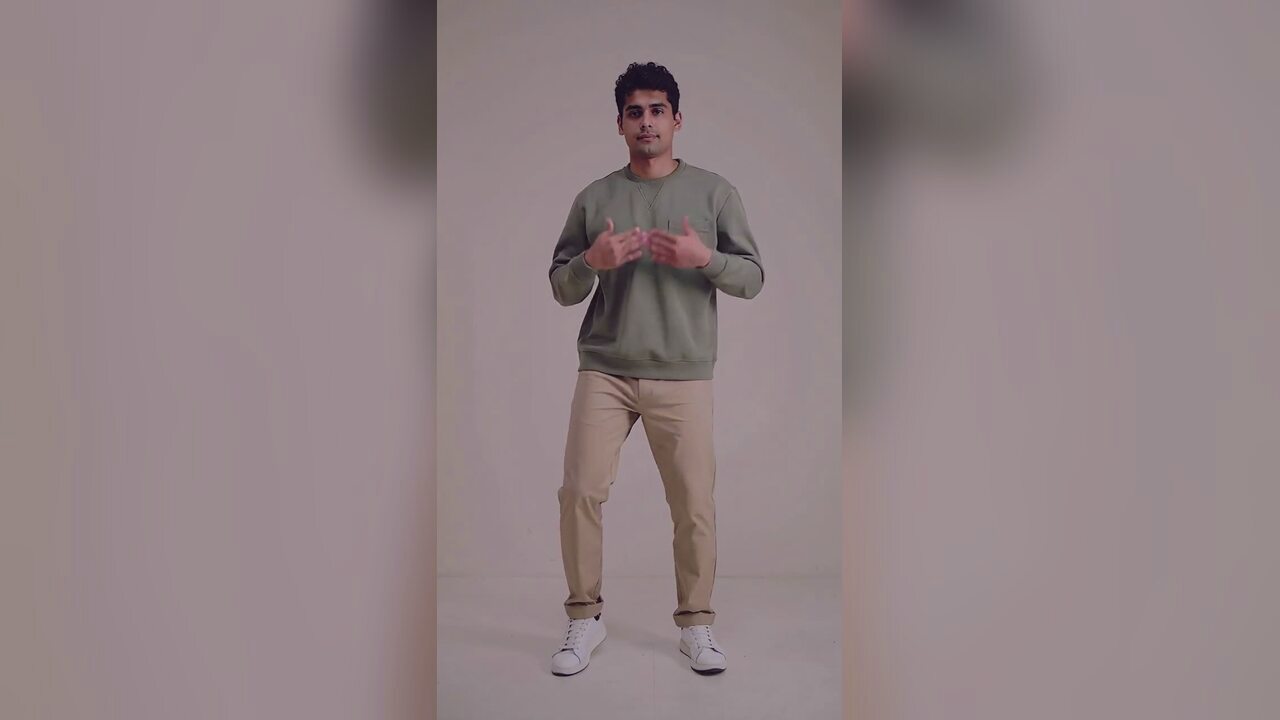 AI Halloween costume generatorTurn one selfie into an original haunted-unicorn Halloween costume portrait. Identity-preserving AI photo editing, 4 credits, private uploads. No prompt.
 AI couple costume generatorUpload two photos and get one coordinated Halloween couple portrait. Keeps both identities separate, with no face swap or third person. 4 credits. No face swap.
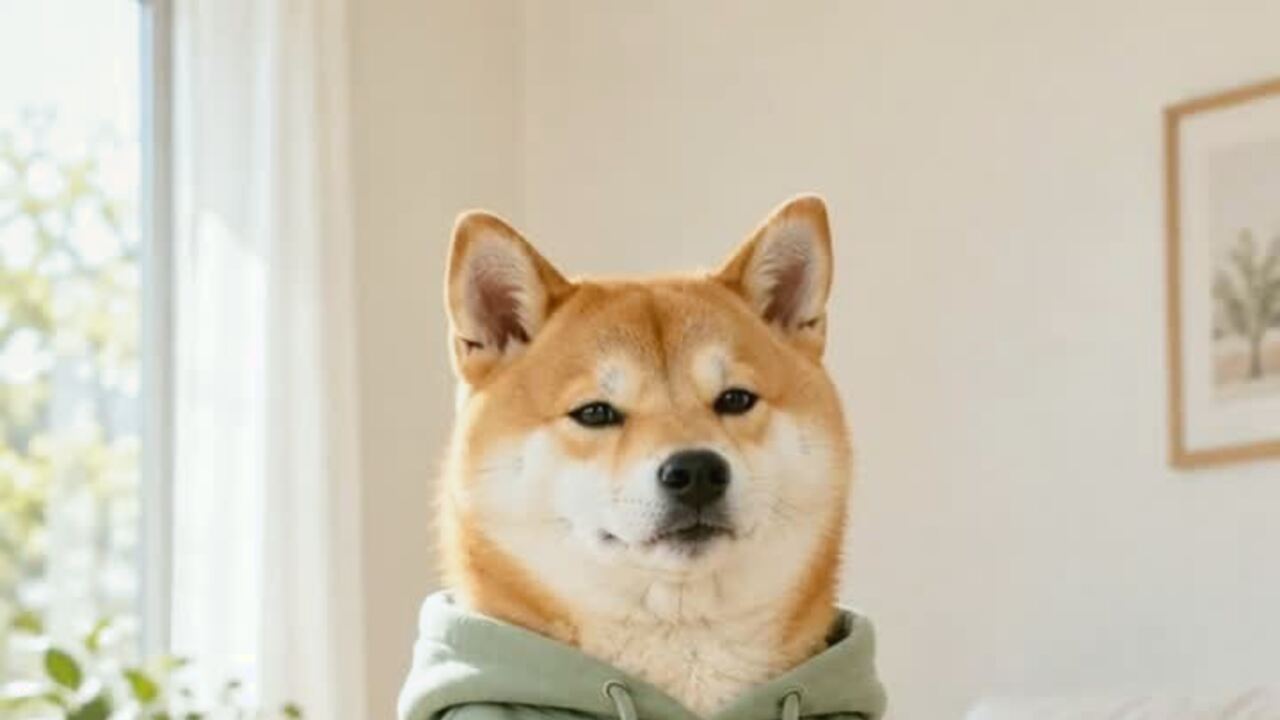 AI pet dance video generatorMake a dog or cat dance from one photo. Gentle motion, real proportions, 12-second vertical MP4. 720p is 10 credits. No prompt. Failed renders refunded.
 AI ghost portrait generatorTurn a portrait into an atmospheric ghost-story character edit. Keeps the face readable and adds mist and a dim corridor, with no gore. 4 credits. No gore.
Leia antes de gerar
- How to make your pet dance from one photo
- The lighting and framing checklist for pet photos
- How AI dance tools compare on price and failure modes
Atualizado em 2026-10-20