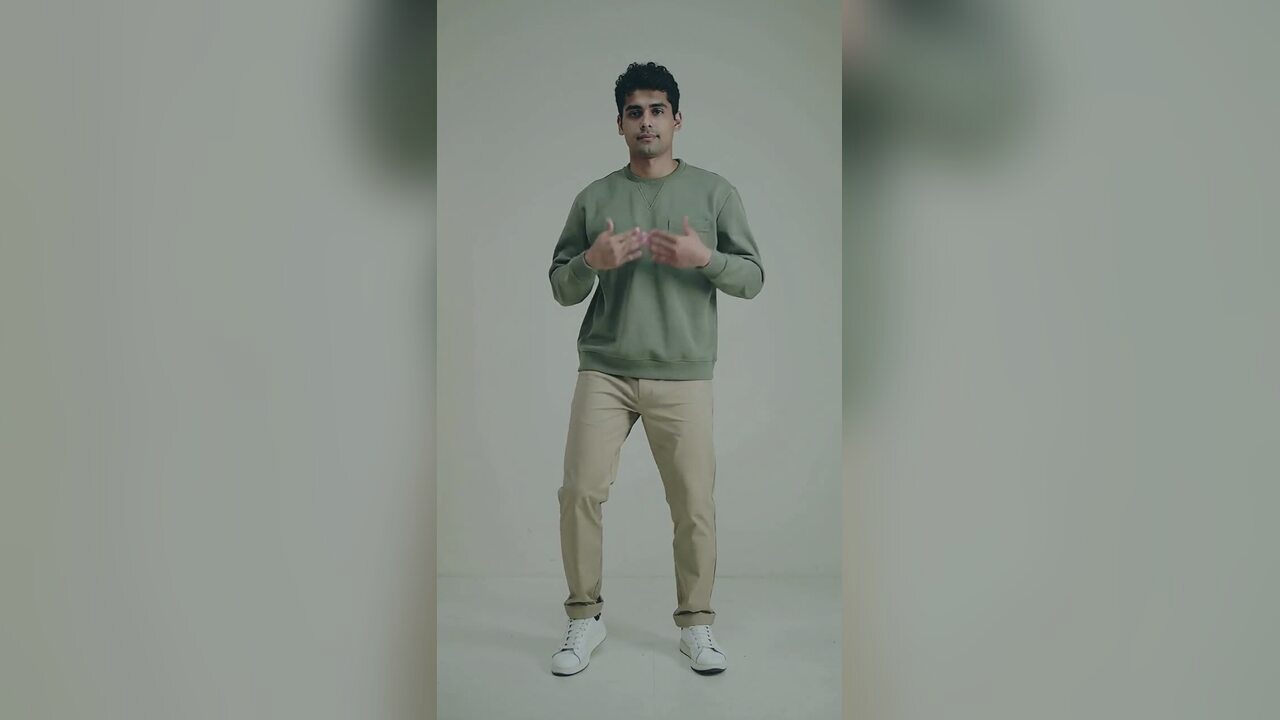
A restyle is not a re-generation
A generative video tool usually starts from an image or a text prompt and invents the motion. A restyle tool starts from a video that already works and changes its surface. The model is asked to preserve motion, timing, faces, body proportions and composition, and to change only the color grade, lighting and atmosphere. That is a much narrower job, and it is the right one when the performance is already good.
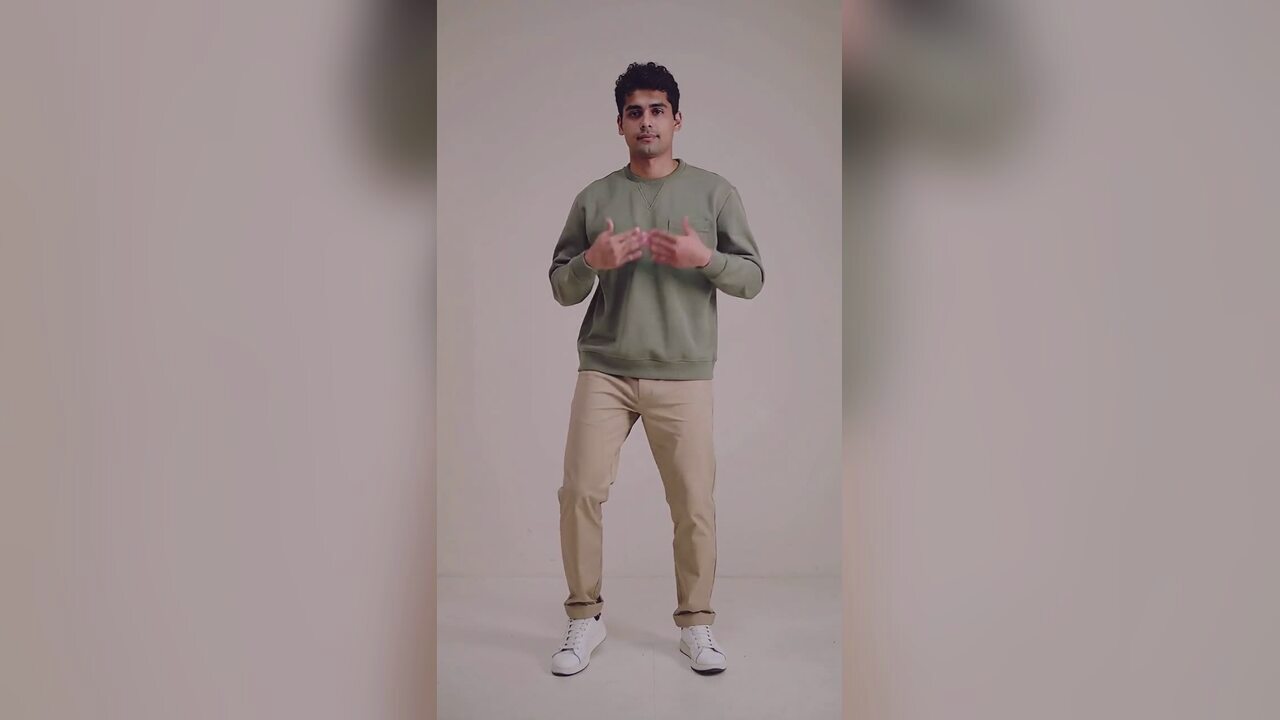
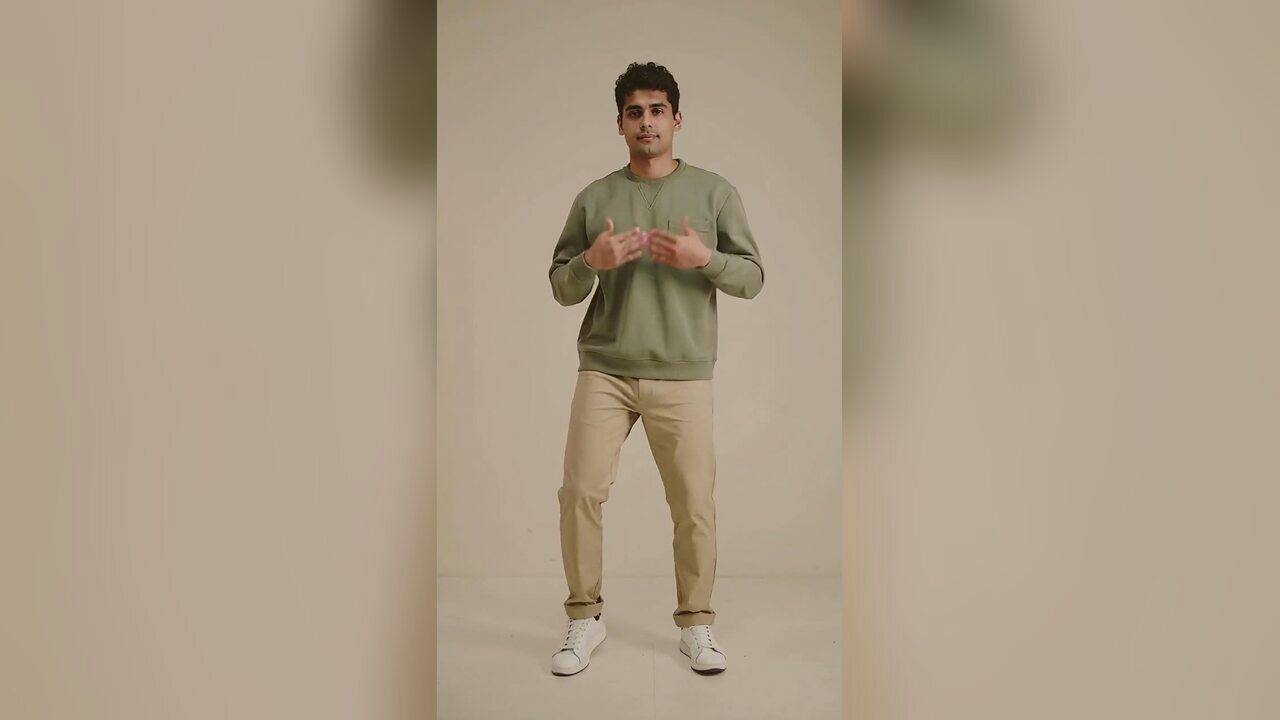
The default direction is a cinematic, softly lit editorial clip. It lifts the contrast, warms the skin tones and adds a gentle atmospheric glow without turning the video into a different scene. It will not add a costume, a product or a new person. Those are generation jobs, not restyle jobs.
What to upload
Upload a short MP4, WebM or MOV clip, up to 20MB and about 8 seconds. A vertical clip is fine. A horizontal clip is fine. The model keeps the framing, so the restyle does not change the aspect ratio. If the source is shaky, the restyle will keep the shake; it is not a stabilization tool.
Use a clip with a clear subject and a reasonably even exposure. A clip that is already crushed to black or blown out gives the model very little color information to work with. If you are restyling a dance clip, keep the hands and face visible. Those are the details a viewer checks first.
Where a restyle helps most
The most common use case is a clip that was shot under mixed or unpleasant light. A phone clip in a kitchen with a yellow overhead bulb can become a warm, controlled portrait. A flat outdoor clip can gain depth and a gentle cinematic contrast. A clip that already looks good may only need a small change, and a small change is usually the better choice.
- Phone footage with mixed indoor lighting.
- A dance clip that needs a consistent look across a series.
- A product or lifestyle clip that needs a warmer, more premium grade.
- A short social clip that needs atmosphere without a re-shoot.
What it will not fix
It will not remove a bad background, replace a face, add a costume or cut the clip. It will not fix a performance that does not work. It will not make a low-resolution clip sharp. The model is changing the look, not the content. If the content is wrong, use a generation tool or re-shoot.
Video edits are also harder to evaluate than stills. Watch the result at full size, then watch it on a phone. Check the face at the start, the middle and the end. A grade that looks good in a still frame can flicker in motion, and a flicker is easier to see on a small screen than on a desktop monitor.
Cost and output
One restyle costs 10 credits. The output is a short video at 720p. The file is silent, so add the original audio or a new track in your editing app or social platform. There is no watermark. If the edit fails, the credits return automatically.
Keep the original clip. A restyle is a derivative, and you may want to compare the two or try a second direction. The original is also the cleanest source if you later decide the grade is too strong.
How it works
- 1
Upload a short clip
Use MP4, WebM or MOV up to 20MB and about 8 seconds. Keep the subject and face visible.
- 2
Restyle the look
The preset changes the color grade, lighting and atmosphere while preserving motion and timing. One edit costs 10 credits.
- 3
Watch it on a phone, then download
Check the face and motion at full size and on a phone. Download the MP4 and add the sound in your editing app.
Video restyle prompt recipe
The exact prompt is fixed on the server. The upload cannot add new content or rewrite the preservation rules.
Restyle the source video into a cinematic, softly lit editorial clip. Preserve the original motion, timing, faces, body proportions and composition. Change only the color grade, lighting and atmosphere; do not add people, text, logos or watermarks. Keep the subject recognizable and the scene continuous. Use natural skin tones, gentle contrast and a warm, premium finish.
Questions people ask before using it
Does this change the motion or timing?
No. The prompt preserves the original motion, timing, faces and composition. It changes the color grade, lighting and atmosphere.
Can I add a costume or a product?
No. A restyle changes the look of an existing clip. Use a generation tool if you need new content in the frame.
How long can the clip be?
Keep it to about 8 seconds and under 20MB. The page is built for short social clips, not long-form video.
Does the output have sound?
No. The output is silent. Add the original audio or a new track in your editing app or social platform.
How much does a restyle cost?
10 credits per clip. Failed edits are refunded automatically, and one-time packs start at $9.90.
Can I restyle a clip I did not shoot?
Only if you have the rights to use and modify it. Do not upload someone else's footage without permission.
Related tools
 AI Halloween dance video generatorTurn one photo into a 12-second vertical Halloween dance video with no prompt or choreography. Silent MP4; 720p is 10 credits. A 1080p render is 50. No edit.
 AI meme dance video generatorAnimate a character, mascot or funny portrait into a 12-second meme dance clip. One image, vertical MP4, 10 credits. No prompt. Failed renders refunded.
 Black Friday AI dance video generatorTurn one photo into a 12-second Black Friday dance clip for TikTok, Reels and Shorts. No prompt. 720p is 10 credits. Silent MP4. 1080p is 50 credits. No edit.
 AI product photo editorTurn a phone product photo into a clean catalog image with a studio background, soft contact shadow and preserved label. 4 credits. Label and shape preserved.
Read before you generate
- How to export a clip that survives social compression
- When to edit an existing clip instead of generating one
- How AI video tools compare on output and failure modes
Updated 2026-10-20